TRACES C Flag Removal: What TDS Return Filers Need to Know
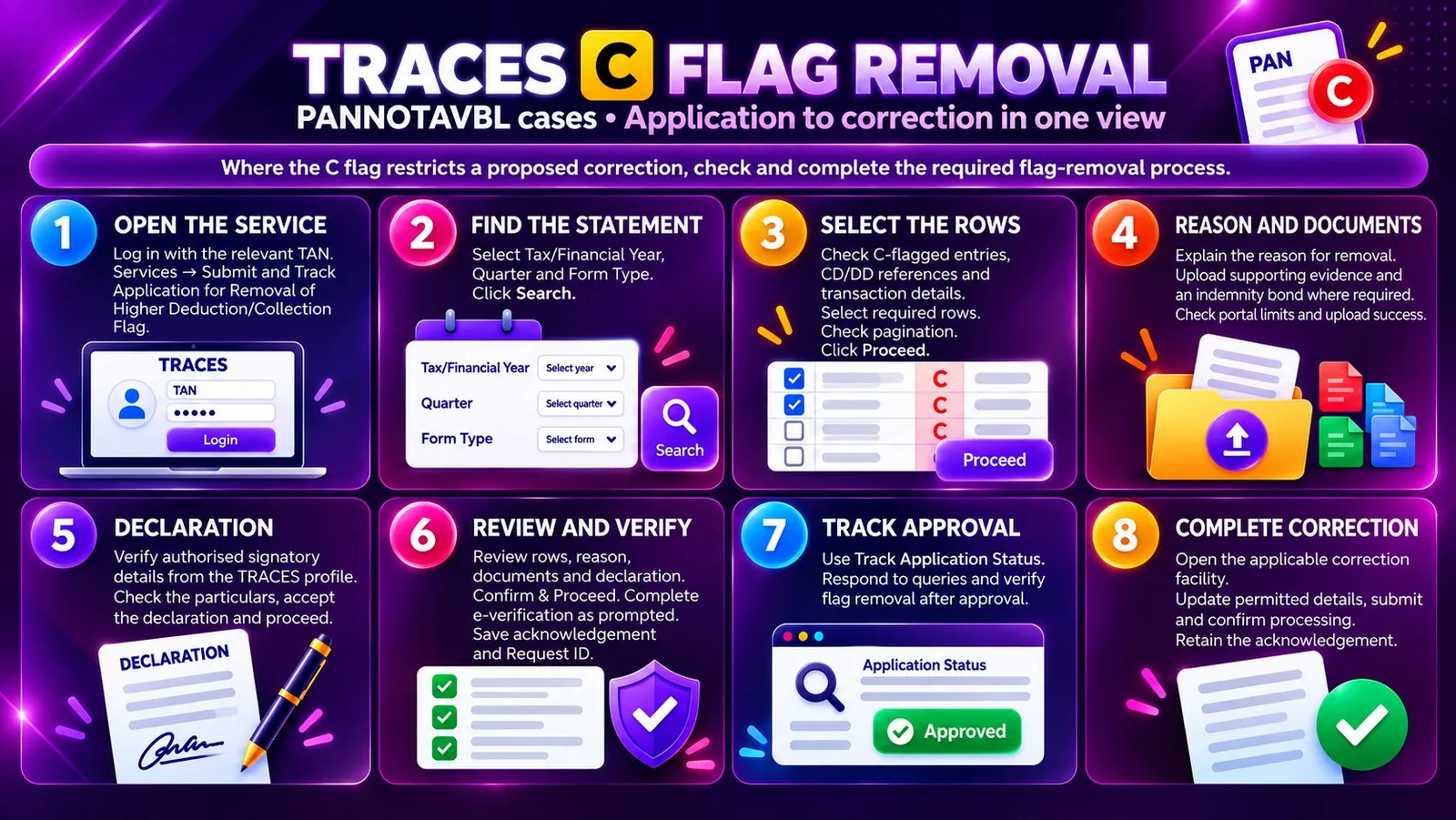
Reported a transaction as PANNOTAVBL with TDS at 20% and a “C” flag? Before updating the PAN or correcting transaction/TDS values, check whether flag removal is required.
For finance and tax teams, obtaining the correct PAN or identifying a reporting error is only the starting point. Where a TRACES C Flag Removal restricts the proposed correction, an additional application and approval process must be completed.
TRACES has introduced a facility to submit an “Application for Removal of Higher Deduction/Collection Flag.” Understanding this workflow can help teams prepare supporting records, track applications and complete corrections systematically.
Who should take note?
This update is relevant to corporate and non-corporate deductors handling affected C-flagged transactions, including companies, banks, NBFCs, LLPs, partnership firms, trusts and other organisations filing TDS statements.
CFOs, finance controllers, chartered accountants, tax managers and accounts teams should review its implications for their correction processes.
The direct impact depends on the entries involved and the correction required—not simply the organisation’s size or legal structure.
What changes when a correction is restricted?
Consider an entry reported as PANNOTAVBL with TDS at 20% and marked with the C flag. The deductee subsequently provides a genuine PAN, or the deductor identifies a transaction or TDS value requiring correction.
Where the flag restricts that change, the deductor must first apply for its removal, explain the reason and provide supporting documents.
After approval, removal of the flag should be verified before proceeding with the relevant correction.
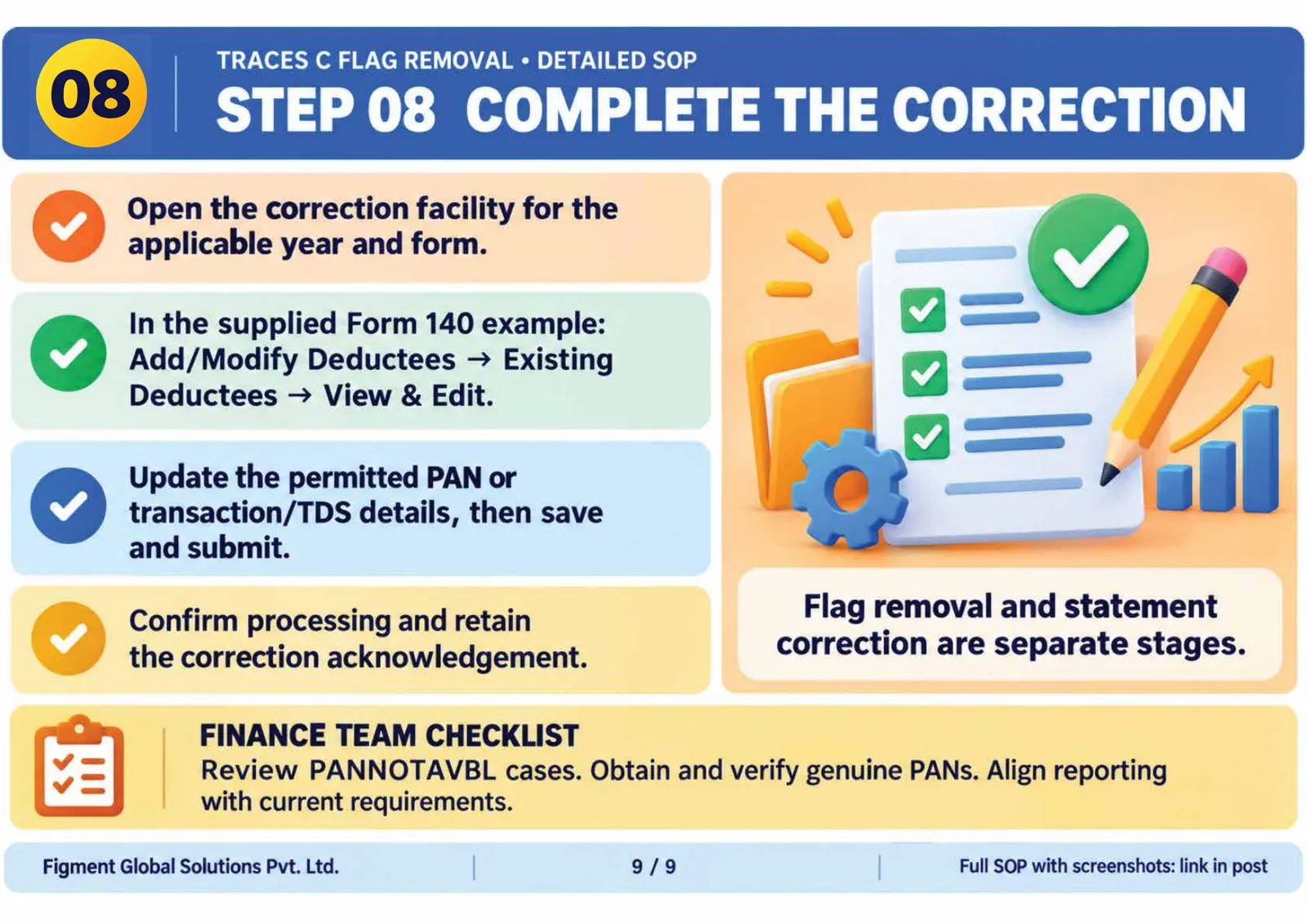
Flag-removal approval and processing of the underlying statement correction are separate stages.
Flag-removal approval and processing of the underlying statement correction are separate stages.
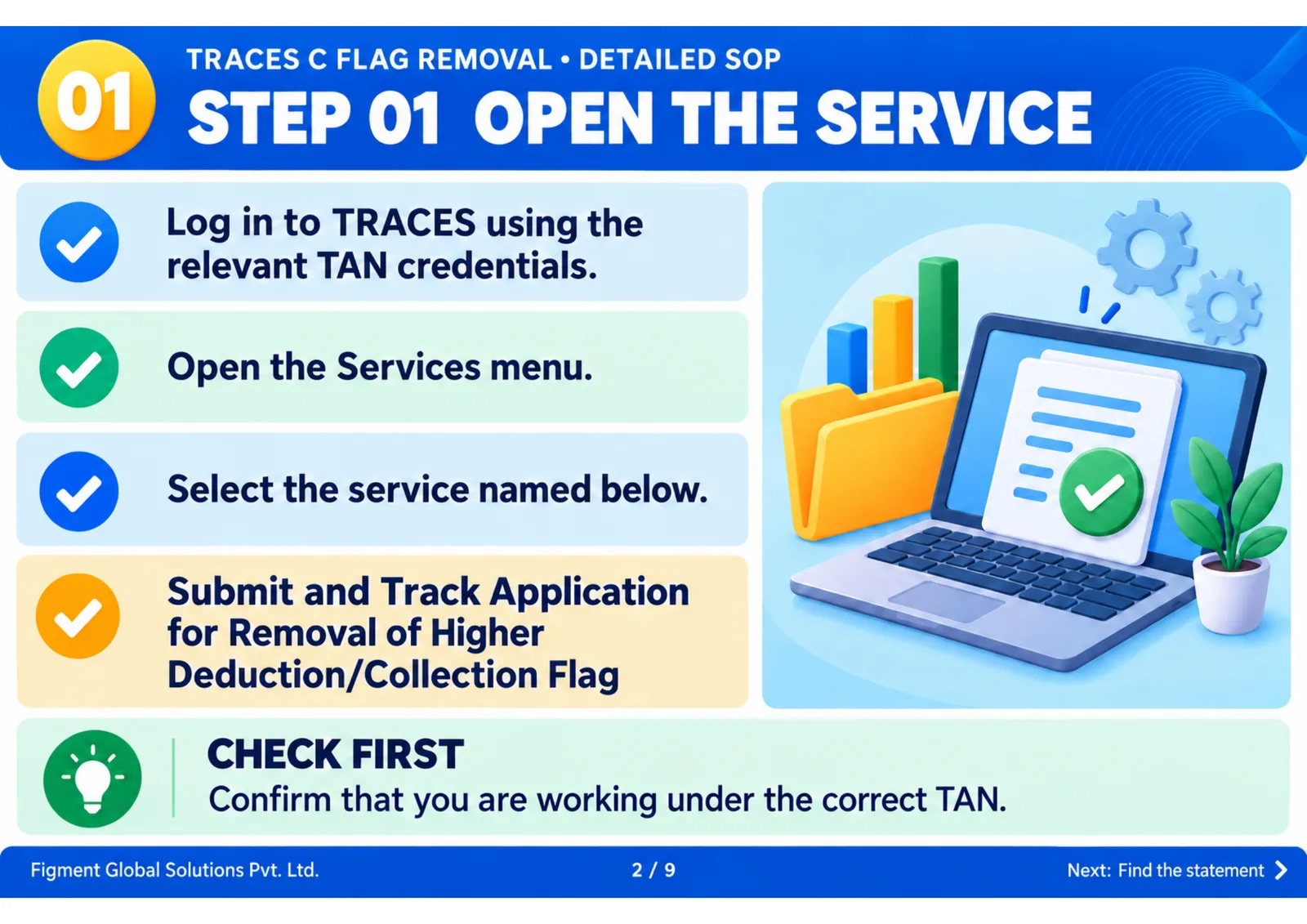
1. Access the application facility
Log in to TRACES using the relevant TAN credentials. Under Services, select:
Submit and Track Application for Removal of Higher Deduction/Collection Flag
Confirm that the application is being initiated under the correct TAN.
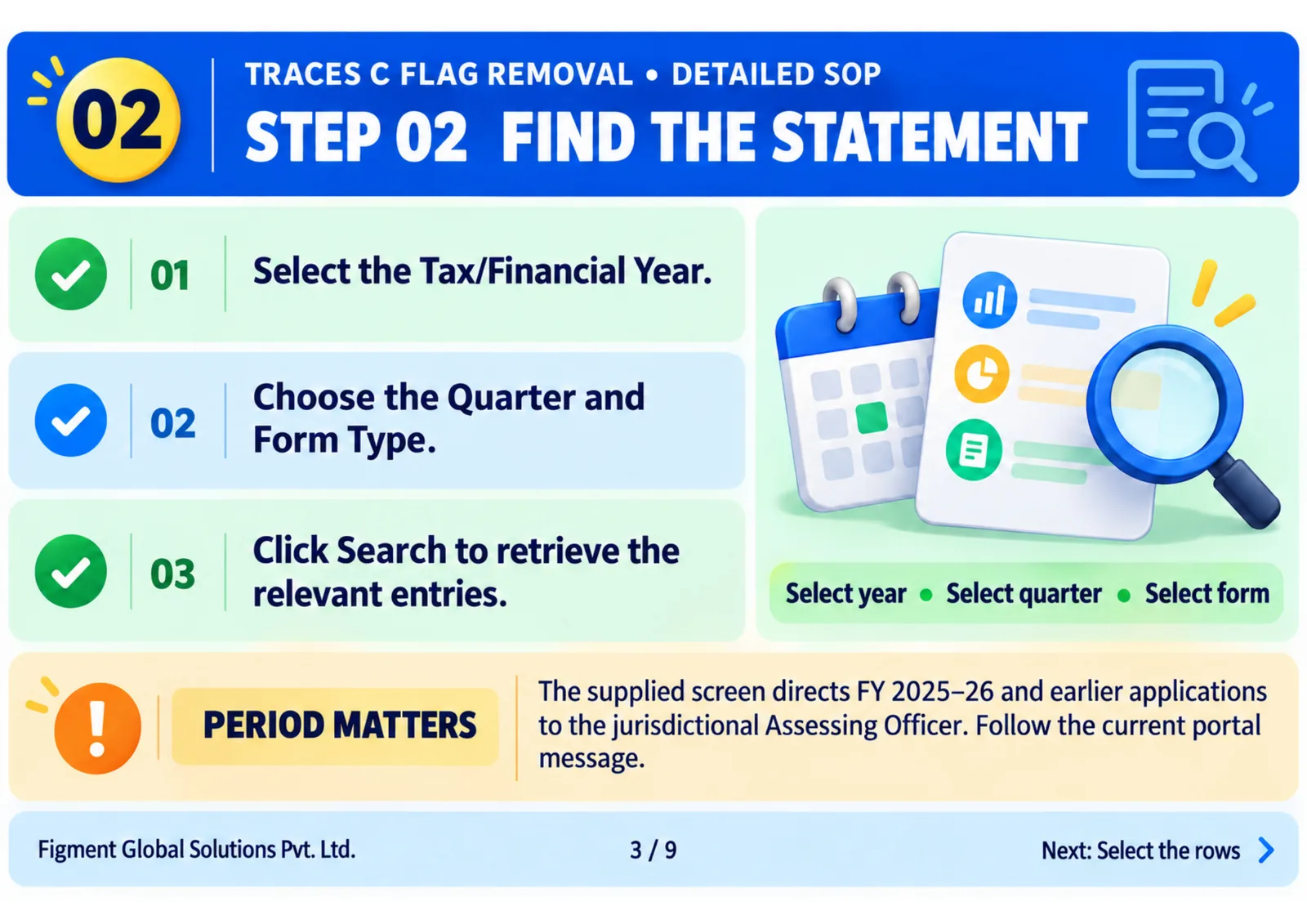
2. Identify the relevant statement
Select the applicable Tax/Financial Year, Quarter and Form Type, then click Search.
Check the current portal instructions for the selected period. The screens accompanying this guide direct applicants to the jurisdictional Assessing Officer for FY 2025–26 and earlier.
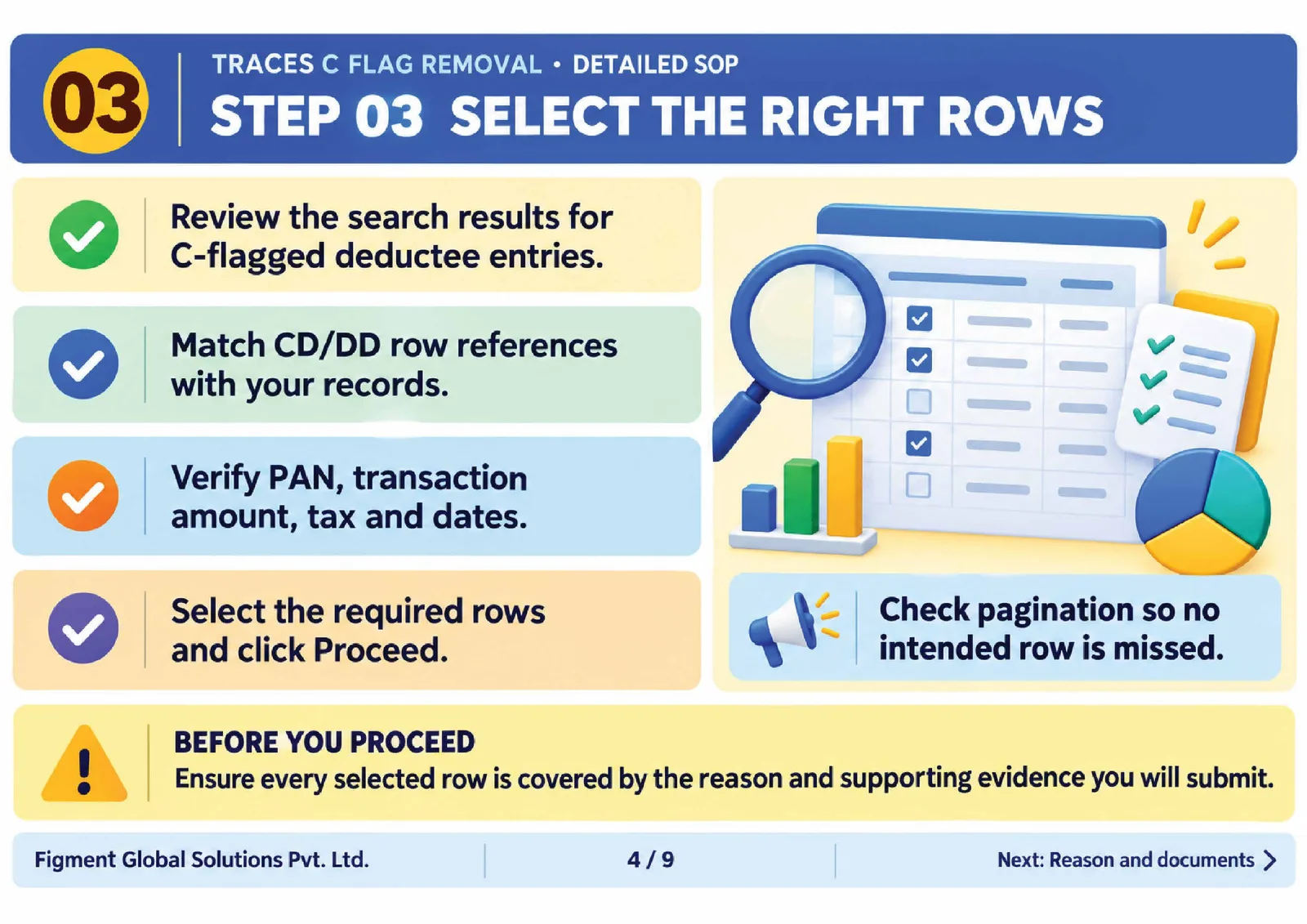
3. Review and select the affected rows
Examine the C-flagged entries and match the CD/DD row references with the underlying records.
Verify the PAN details, transaction amount, tax amount and relevant dates. Select the rows requiring flag removal, check pagination and proceed.
Every selected row should be supported by the explanation and documents submitted with the application.
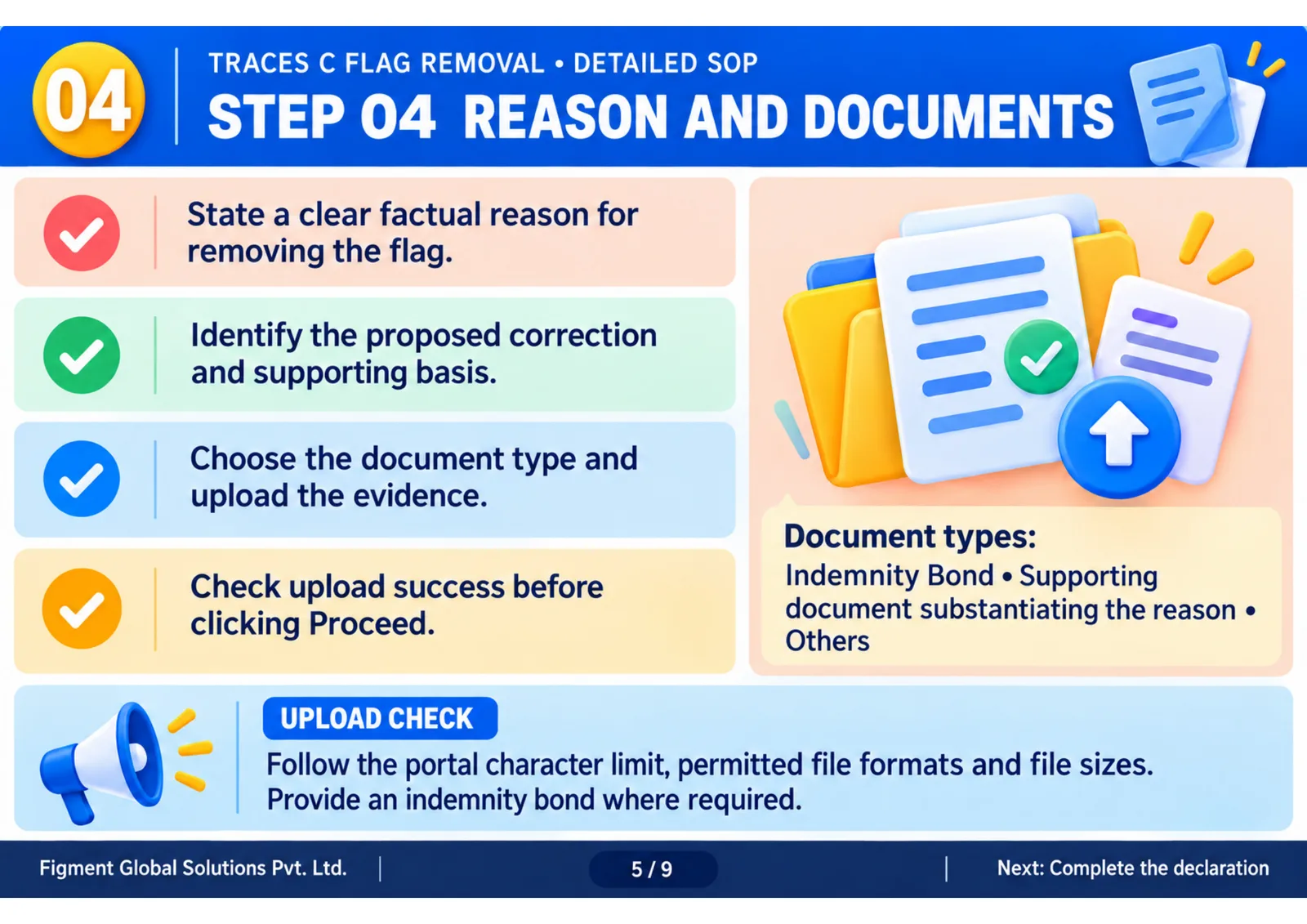
4. Record the reason and upload supporting documents
Provide a clear, factual explanation of why flag removal is required and identify the proposed correction.
The illustrated document categories include:
Indemnity Bond
Supporting document substantiating the reason provided
Others
Upload relevant evidence and provide an indemnity bond where required. Follow the portal’s character limit, permitted file formats and size restrictions, and confirm successful upload before proceeding.
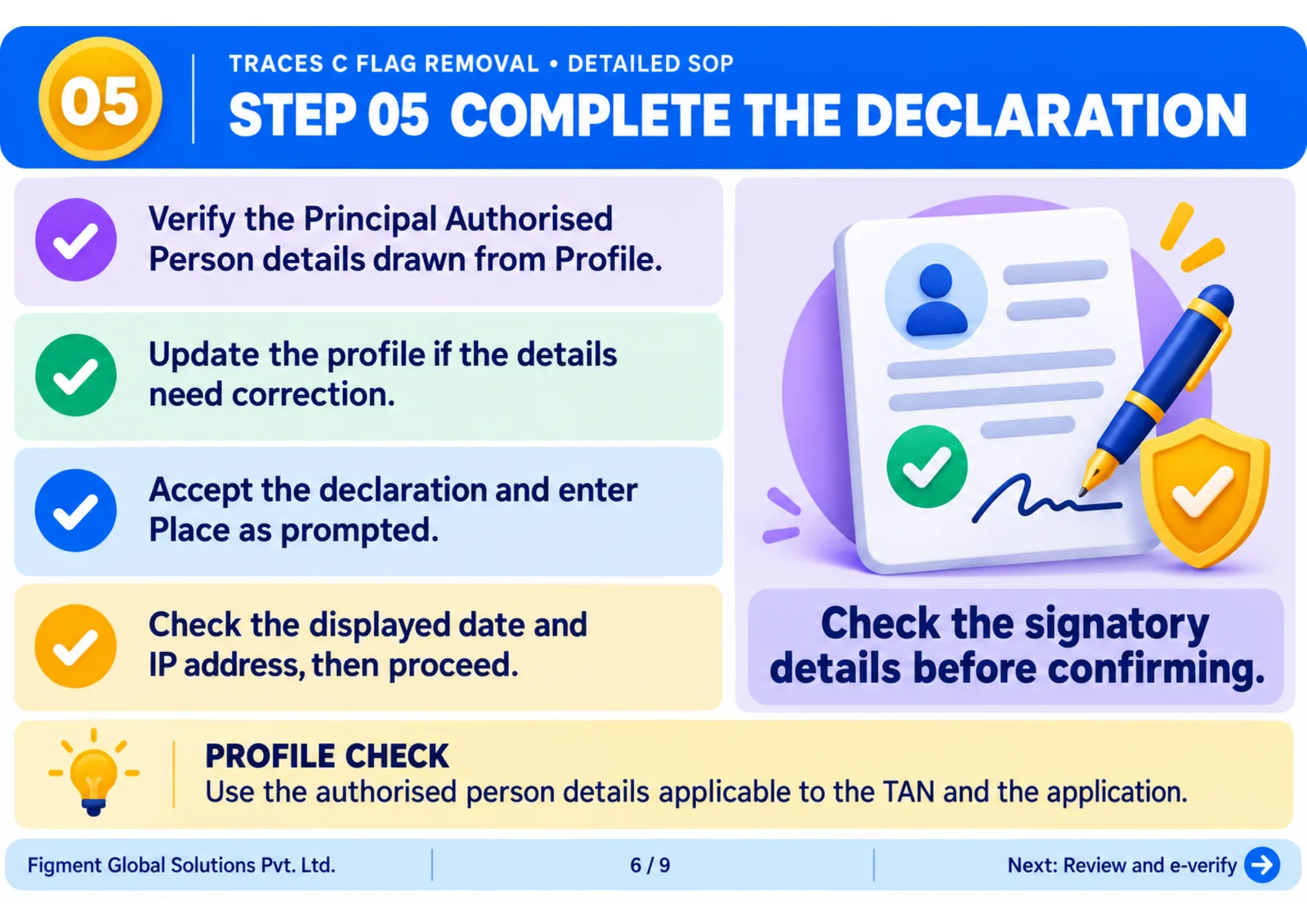
5. Complete the declaration
Verify the authorised person’s particulars drawn from the TRACES profile and update the profile if necessary.
Check the declaration, enter the required particulars and review the displayed information before proceeding.
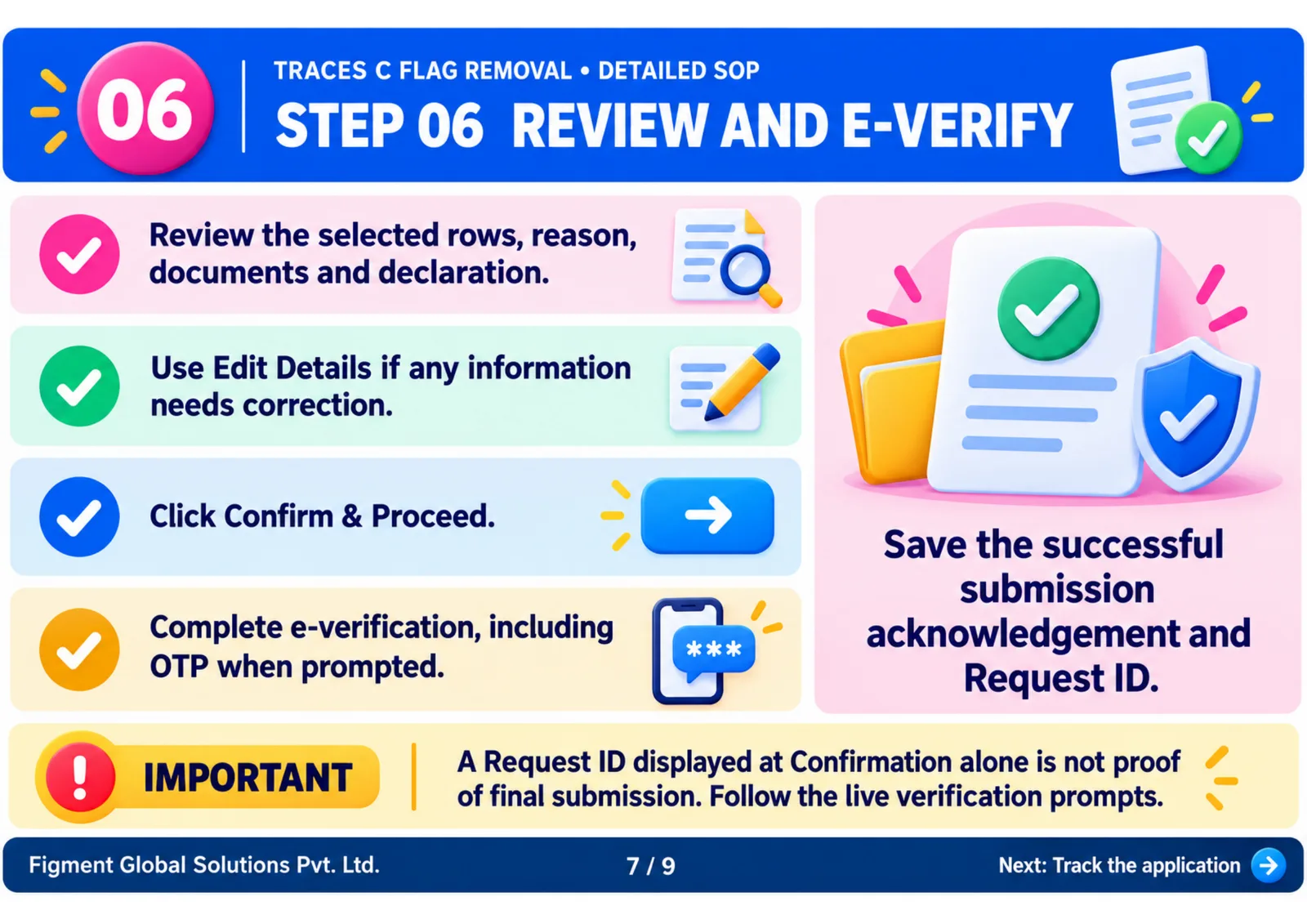
6. Review and complete verification
Review the selected rows, reason, supporting documents and declaration on the confirmation screen.
Use Edit Details where corrections are needed, then select Confirm & Proceed. Complete e-verification as prompted by the live portal, including OTP verification where required.
Retain the successful submission acknowledgement and Request ID.
A Request ID displayed on the confirmation screen alone should not be treated as proof of final submission.
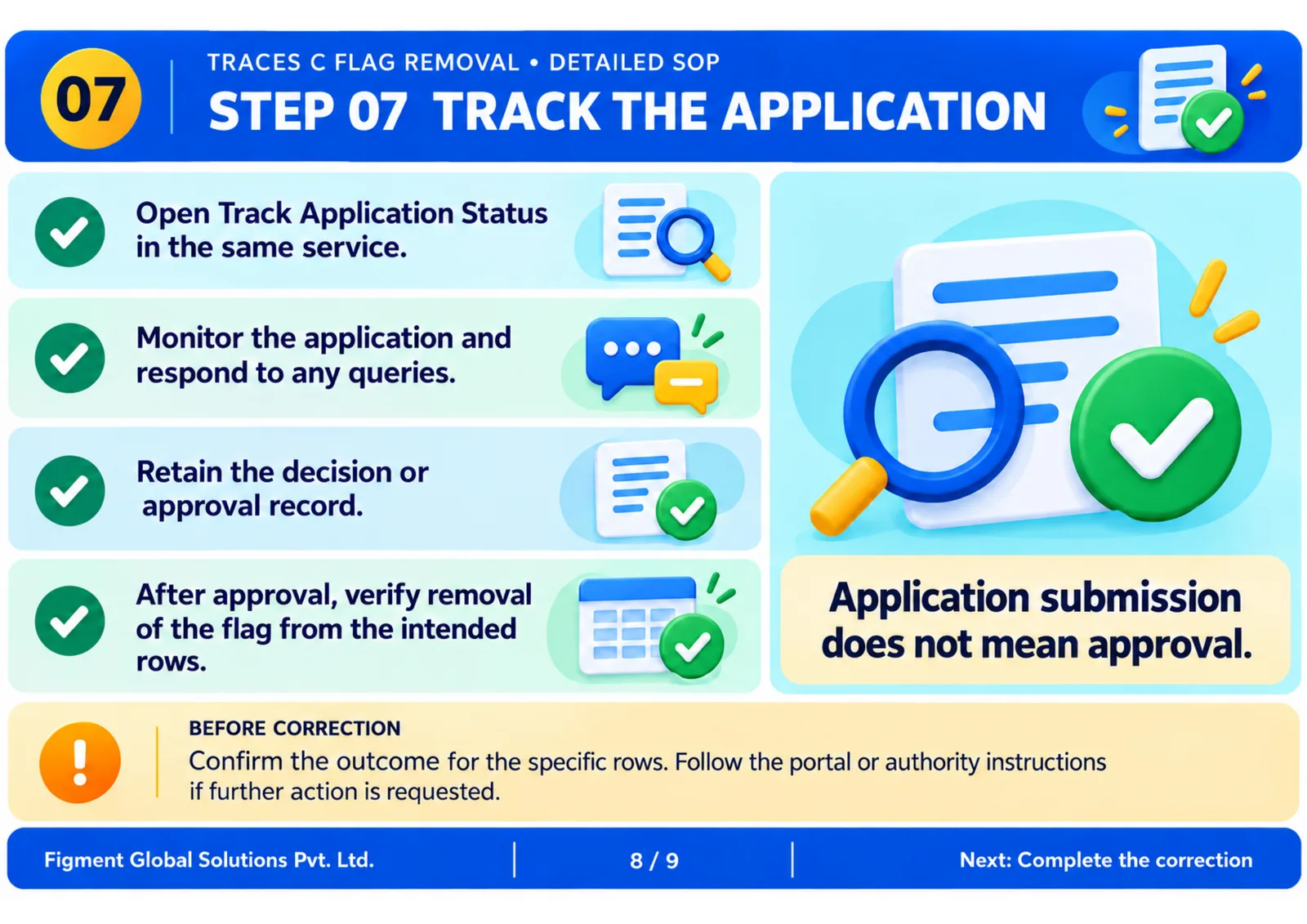
7. Track the application
Use Track Application Status to monitor the request and respond to any queries or additional requirements.
After approval, verify that the flag has been removed from the intended rows and retain the outcome for your records.
8. Complete and verify the correction
Open the correction facility applicable to the relevant year and form.
In the Form 140 illustration accompanying the SOP, the route is Add/Modify Deductees → Existing Deductees → View & Edit.
Update the permitted PAN or transaction/TDS details, save and submit the correction. Confirm that it has been processed and retain the acknowledgement.
What finance and tax teams should do now
Review PANNOTAVBL cases, obtain and verify genuine PANs, and align your reporting process with current requirements.
Maintain a record of affected rows, application references, supporting documents, approval outcomes and subsequent corrections. Assign responsibility for tracking each case through to completion.
Avoid treating application submission as approval or assuming that flag removal automatically updates the TDS statement.