
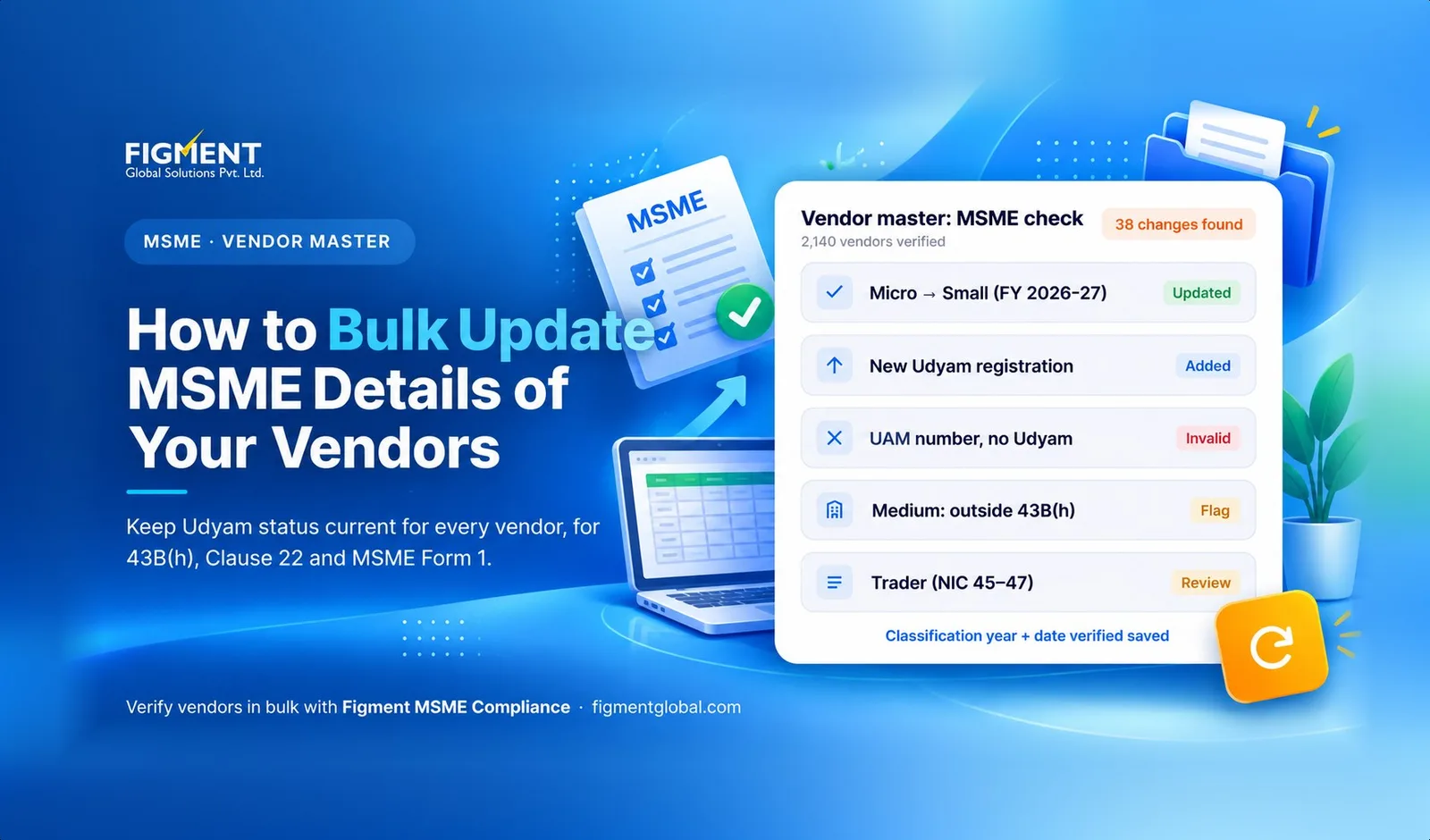
How to Bulk Update MSME Details of Your Vendors (2026 Guide)
This guide shows finance and accounts payable teams how to update MSME details for all vendors in on
Why vendor MSME data goes out of date
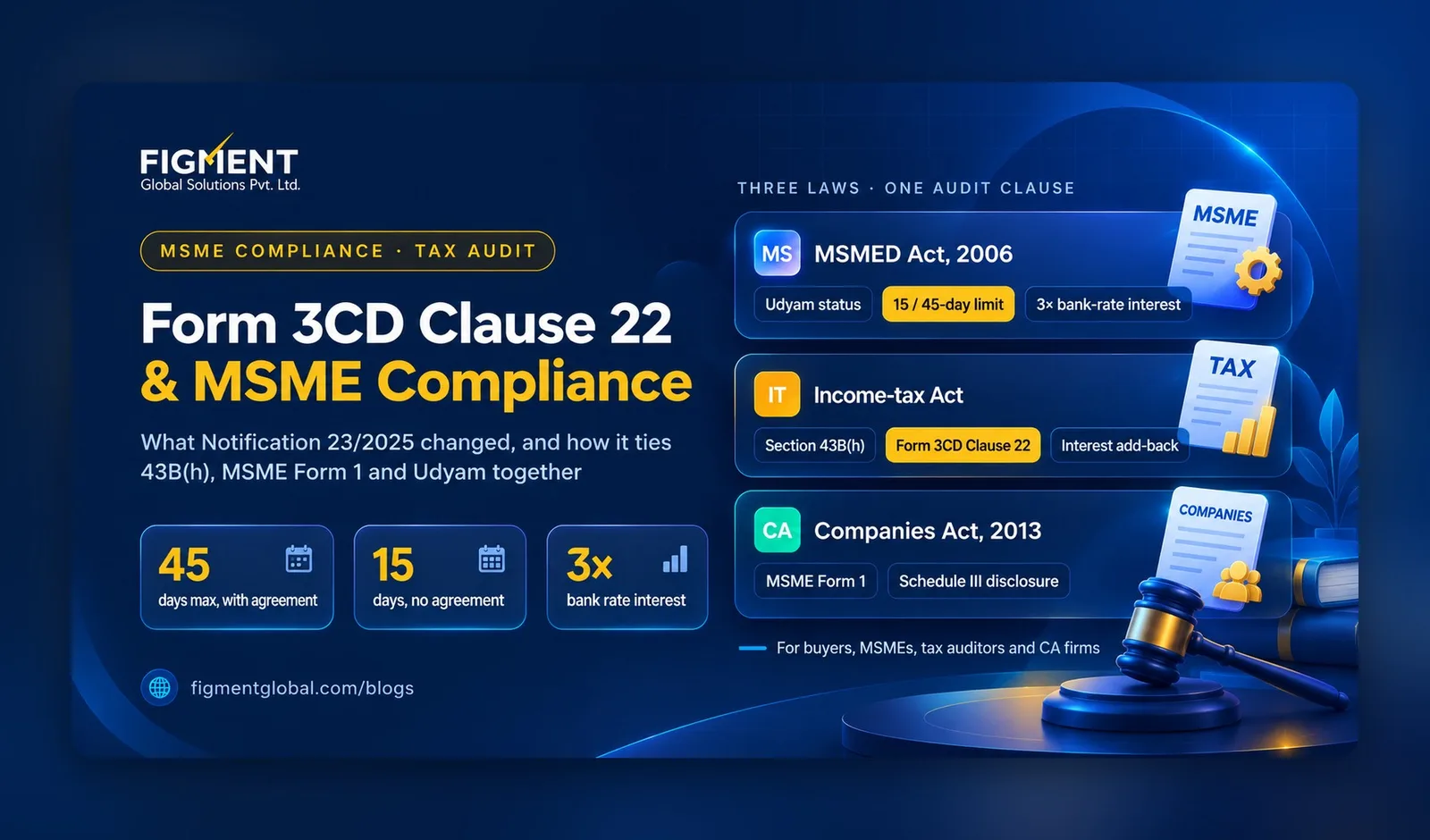
New limits from 1 April 2025. Many suppliers moved category when the limits were raised (S.O. 1364(E), 21 March 2025). Annual re-classification. Udyam pulls investment and turnover from the Income Tax and GSTN systems, so a vendor's category can change every financial year. UAM numbers expired. Udyog Aadhaar (UAM) registrations stopped being valid after 30 June 2022. A UAM number in your master is not proof of MSME status today. Vendors register mid-year. A supplier that was not an MSME at onboarding may have registered since, and nobody told AP.
| Category | Investment up to | Turnover up to |
|---|---|---|
| Micro | ₹2.5 crore | ₹10 crore |
| Small | ₹25 crore | ₹100 crore |
| Medium | ₹125 crore | ₹500 crore |
Which vendors matter most
What to capture for every vendor
| Field | Why you need it |
|---|---|
| PAN and GSTIN | To match the vendor to the Udyam record and to your payables |
| Udyam Registration Number (UDYAM-XX-00-0000000) | The only valid proof of MSME status |
| Category: micro, small or medium | Decides whether 43B(h) and MSME Form 1 apply |
| Major activity: manufacturing, services or trading | Traders are generally outside 43B(h) |
| Classification year | Category can change each year; record which year's status you hold |
| Date of Udyam registration | Invoices raised before registration may be treated differently [VERIFY] |
| Written payment terms (days) | 15 days without an agreement, up to 45 days with one |
| Date last verified and source | Audit evidence for Clause 22 and MSME Form 1 |
How to bulk update MSME details: 6 steps
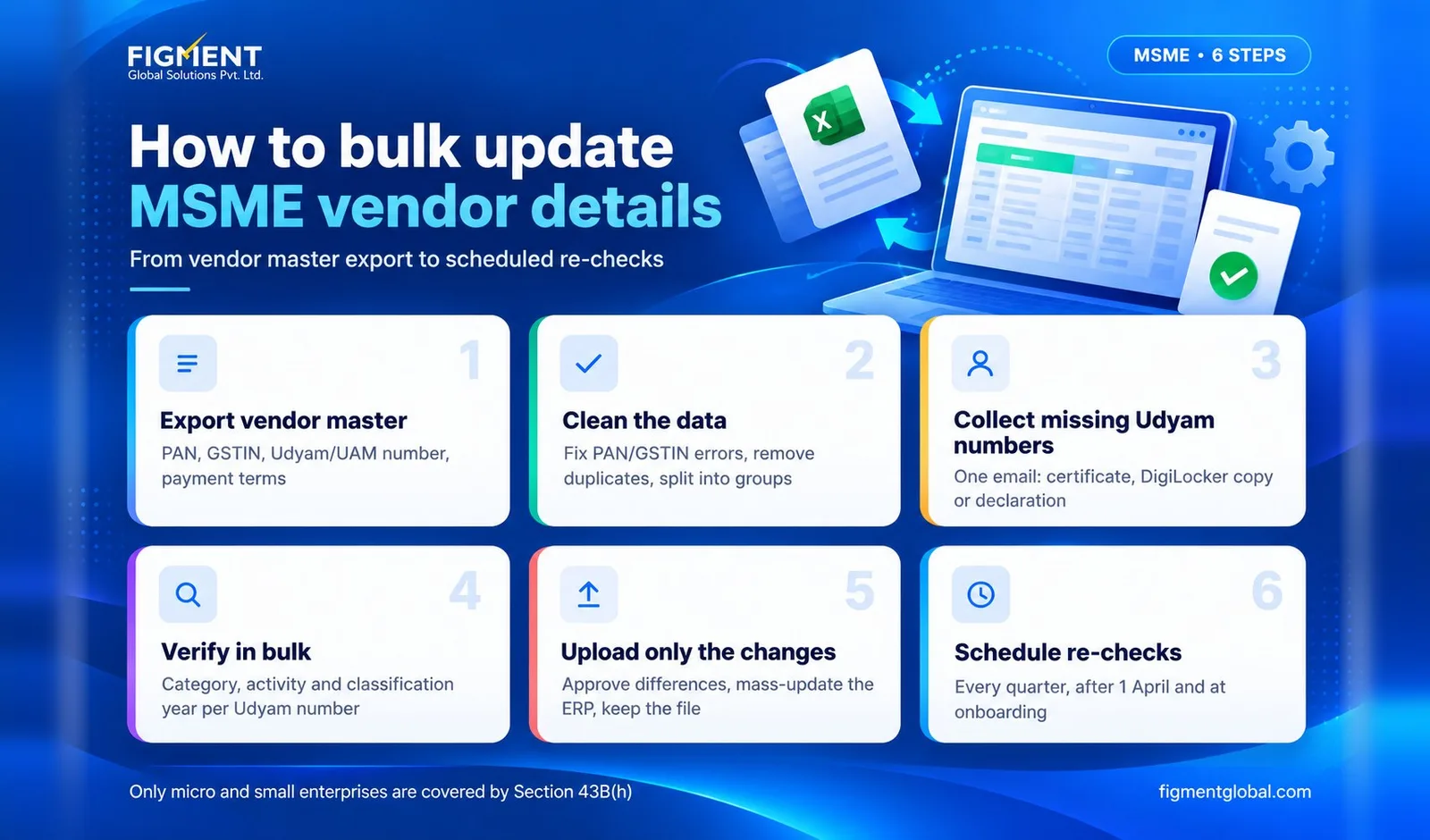
Step 1: Export the vendor master
Step 2: Clean the data
Step 3: Collect missing Udyam numbers
Step 4: Verify in bulk
No Udyam number? MSME verification by PAN
Whether a Udyam Registration exists for the PAN The Udyam Registration Number, enterprise name and date of registration The MSME status by PAN: category (micro, small or medium), major activity and classification year
PAN to MSME verification vs Udyam verification
| PAN to MSME verification | Udyam verification | |
|---|---|---|
| What you start with | Vendor's PAN | Vendor's Udyam Registration Number |
| Official portal | Not available | Verify Udyam Registration page, one number at a time |
| Best for | Finding MSMEs you don't know about; vendors who haven't sent a certificate | Confirming a certificate the vendor has sent |
| Bulk option | Bulk MSME verification tool or API | Bulk MSME verification tool or API |
| Risk to manage | Name mismatch between PAN holder and vendor | Vendor quoting another enterprise's number |
Step 5: Compare and upload only the changes
Step 6: Schedule the next check
| Mistake | What goes wrong | Fix |
|---|---|---|
| Treating "MSME: yes" as enough | Medium enterprises and traders get 43B(h) treatment wrongly | Store category and activity |
| Keeping UAM numbers | Invalid proof since June 2022 | Ask for a Udyam number |
| Verifying once at onboarding | Category changes each year | Re-check quarterly and after 1 April |
| No record of when you checked | Weak audit evidence | Store the date and source of each check |
| Updating the ERP by hand | Typos and missed records | Upload changes in bulk with an approval step |
If you are the vendor: how to update your Udyam registration
Common mistakes
Why this matters for compliance
Bulk MSME verification with Figment
Frequently Asked Questions
Enter the vendor's Udyam Registration Number on the Verify Udyam Registration page of udyamregistration.gov.in, or scan the QR code on the certificate. For many vendors, use a bulk MSME verification tool or API.
No. The Udyam portal checks one registration at a time. Bulk checks are done with private verification tools and APIs built on the same data.
At onboarding, every quarter, and after 1 April each year, when the new classification based on the previous year's ITR and GST data takes effect.
No. UAM registrations were valid only until 30 June 2022. Ask the vendor for a Udyam Registration Number.
No. It covers payments to micro and small enterprises only, which is why your vendor master must record the category, not just an MSME flag.
Yes, with a PAN-based MSME verification tool or API. The official Udyam portal verifies only by Udyam Registration Number, but because PAN is mandatory for Udyam Registration, a PAN to Udyam search can find the registration linked to a PAN.
Upload the vendor PANs to a bulk MSME verification tool. It returns the Udyam number, category, activity and classification year for each PAN that has a registration, and flags the ones that don't.
MSME verification by PAN starts from the vendor's PAN and finds its Udyam Registration. Udyam verification starts from a Udyam number the vendor has given and confirms it is genuine. Use the first to find MSMEs and the second to confirm them.