How to Correct a TDS Challan Online on TRACES: Wrong Minor Head, TAN or PAN
A single wrong field in a TDS challan can make tax that has already been paid look unpaid. The challan does not match the TDS statement, TRACES shows a short payment, and interest and demand notices follow. For years the fix meant going to the bank within a short window or writing to the TDS Assessing Officer (AO).
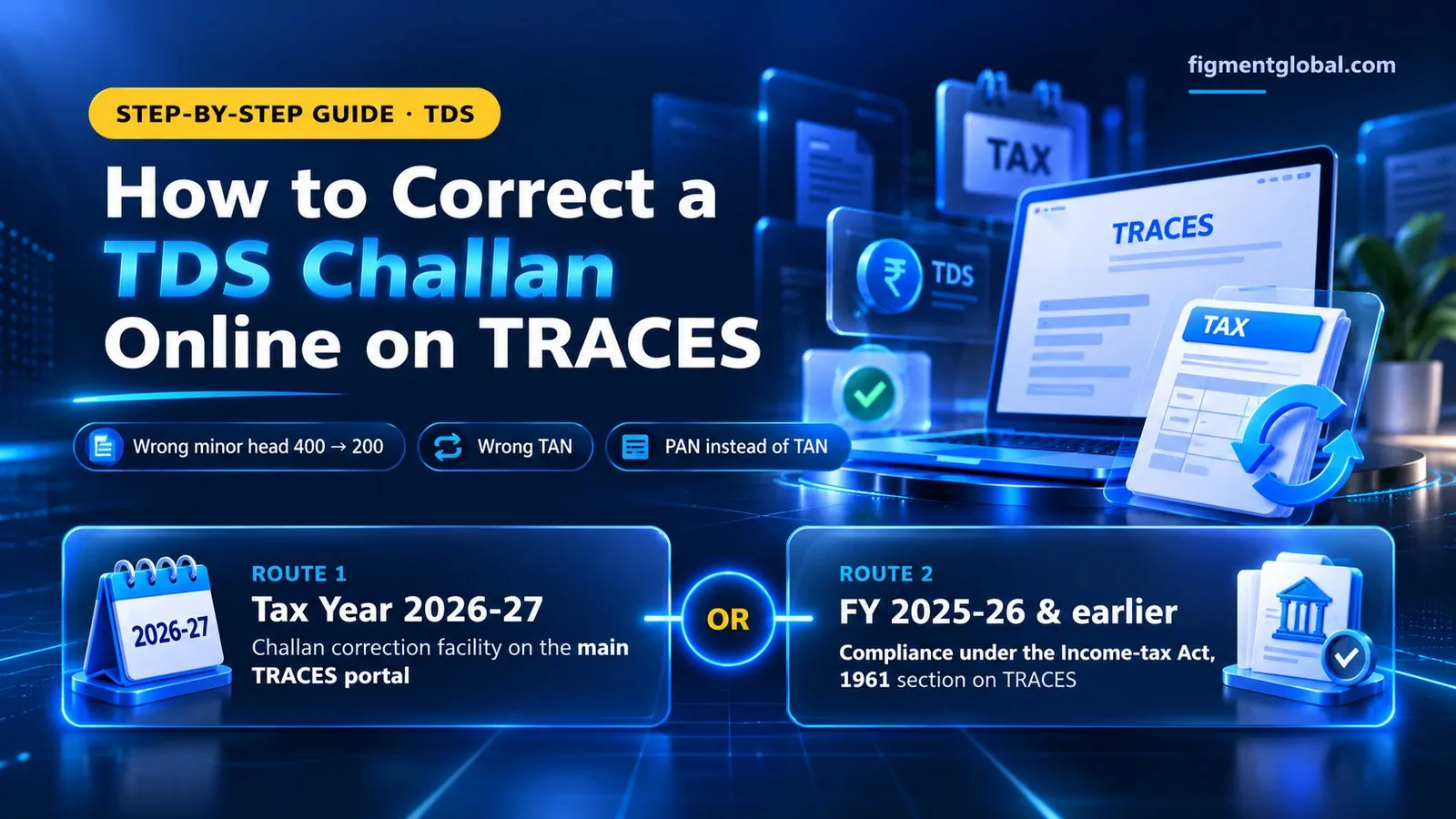
TRACES now lets deductors correct these challans online. This guide covers what can be corrected, which route to use for Tax Year 2026-27 and for earlier years, the steps, and what to do after the correction.
Quick answer:
Log in to TRACES as a deductor. For challans of Tax Year 2026-27, use the challan correction facility on the main portal. For FY 2025-26 and earlier, go to "Compliance under the Income-tax Act, 1961". You can correct the tax year or financial year, major head and minor head, move a challan from one TAN to another, or move a challan paid under a PAN to the correct TAN. After the challan is corrected, file a correction statement if the TDS return already shows a short payment.
Common challan mistakes and what they cause
| Mistake | Example | What you see on TRACES |
|---|
| Wrong minor head | TDS paid under 400 (regular assessment demand) instead of 200 (TDS payable by taxpayer) | Challan not available to tag in the statement; short payment |
| Wrong major head | 0021 (non-company) used by a company instead of 0020 | Challan mismatch; short payment |
| Wrong year | Challan paid for the wrong tax year or financial year | Challan not available for the correct quarter |
| Wrong TAN | Deposited against another branch's TAN, a group company's TAN, or a mistyped TAN | Credit sits in another TAN; your TAN shows a default |
| PAN instead of TAN | TDS paid with a regular income tax challan quoting the PAN | Amount cannot be used in any TDS statement |
What TRACES now lets you correct online
Tax year / financial year, major head, minor head: fixes challans paid under the wrong year or head. TAN to TAN: moves a challan from the wrong TAN to the correct one. PAN to TAN: moves a challan paid under the deductor's PAN to its TAN.
Which route to use: Tax Year 2026-27 or earlier years
From 1 April 2026, TDS is governed by the Income-tax Act, 2025, which uses "Tax Year" instead of "Financial Year" and "Assessment Year". TRACES therefore has two routes:
| Challan relates to | Where to correct it on TRACES |
|---|
| Tax Year 2026-27 onwards | Challan correction facility on the main TRACES portal |
| FY 2025-26 and earlier | "Compliance under the Income-tax Act, 1961" section |
Check which year the challan belongs to before you start. Using the wrong route is the easiest way to lose time.
Step-by-step: how to correct a TDS challan on TRACES
- 1
Identify the challans with errors.
From the TRACES default summary or justification report, list each unmatched or unconsumed challan with its BSR code, date of deposit, challan serial number and amount.
- 2
Confirm the correct details.
Note the correct TAN, tax year or financial year, and major and minor heads for each challan.
- 3
Log in to TRACES as a deductor
and open the challan correction option for the right year (see the table above).
- 4
Select the correction type
year/head, TAN to TAN, or PAN to TAN.
- 5
Enter the challan details and the corrected values
then submit the request. Save the request number.
- 6
Track the status
on TRACES until the correction is accepted.
- 7
File a correction statement if needed
If the TDS statement was filed with a short payment, tag the corrected challan to the right deductee rows through a correction statement. The default is removed once the statement is processed.
Before you submit: checks
Is the challan already used in a statement? A challan already tagged in another statement may need to be untagged first. Is there a time limit? Check the TRACES e-tutorial for any limit on how old the challan can be. Is the amount right? Online correction fixes details such as head, year, TAN or PAN. It does not change the amount paid. Keep proof: save the challan counterfoil, the request acknowledgement and the updated challan status.
How this compares with the old correction routes
| Route | Who corrects | Typical timeline |
|---|
| Bank (for physical challans) | Bank, within a short window after deposit | Days, if within the window |
| TDS Assessing Officer | AO, on written request with proof | Weeks |
| TRACES online correction | Deductor, online | Faster; no AO visit |
Catch challan errors before they become defaults
Most challan errors are only noticed when TRACES shows a short payment. TaxCPC, Figment's TDS return filing software, matches challans with deductee rows before you file, so unmatched challans are found early. If a notice has already been issued, NoticeCPC tracks TDS notices across all your TANs in one dashboard.
Related reading: TRACES C-flag removal · How to surrender a TAN