

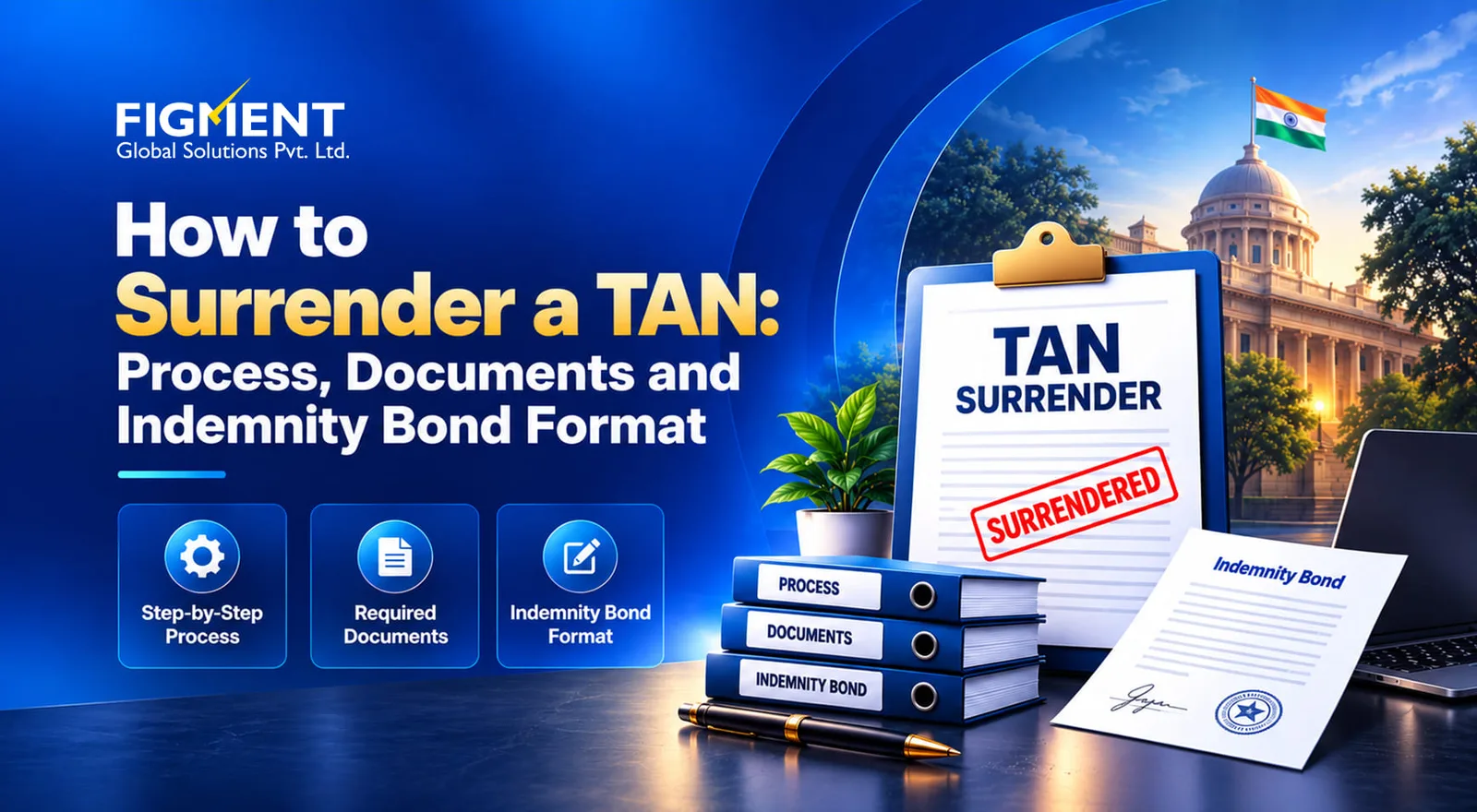
How to Surrender a TAN: Process, Documents and Indemnity Bond Format
Quick answer:
Why surrender an unused TAN?
No future notices on a dead TAN. Once closed, the TAN cannot attract new defaults for periods after closure. Cleaner compliance records. Auditors, due-diligence teams and acquirers see only the TANs actually in use. Fewer errors. Vendors and banks stop quoting an old TAN in challans and TDS certificates, so credits land correctly in deductees' Form 26AS/AIS.
Common reasons for surrender
| Reason | Typical situation | Proof to keep ready |
|---|---|---|
| Centralisation | Branch-wise TANs made redundant after TDS/TCS moved to head-office or circle-wise filing | Internal circular or board note on centralisation |
| Merger or amalgamation | TANs of the transferor company after it merged into another entity | NCLT order or scheme of amalgamation |
| Closure | Branch, office or the entity itself closed | Closure notice or board resolution |
| Duplicate TAN | More than one TAN allotted to the same deductor | TAN allotment letters for both TANs |
TAN surrender process at a glance
Step-by-step: how to surrender a TAN
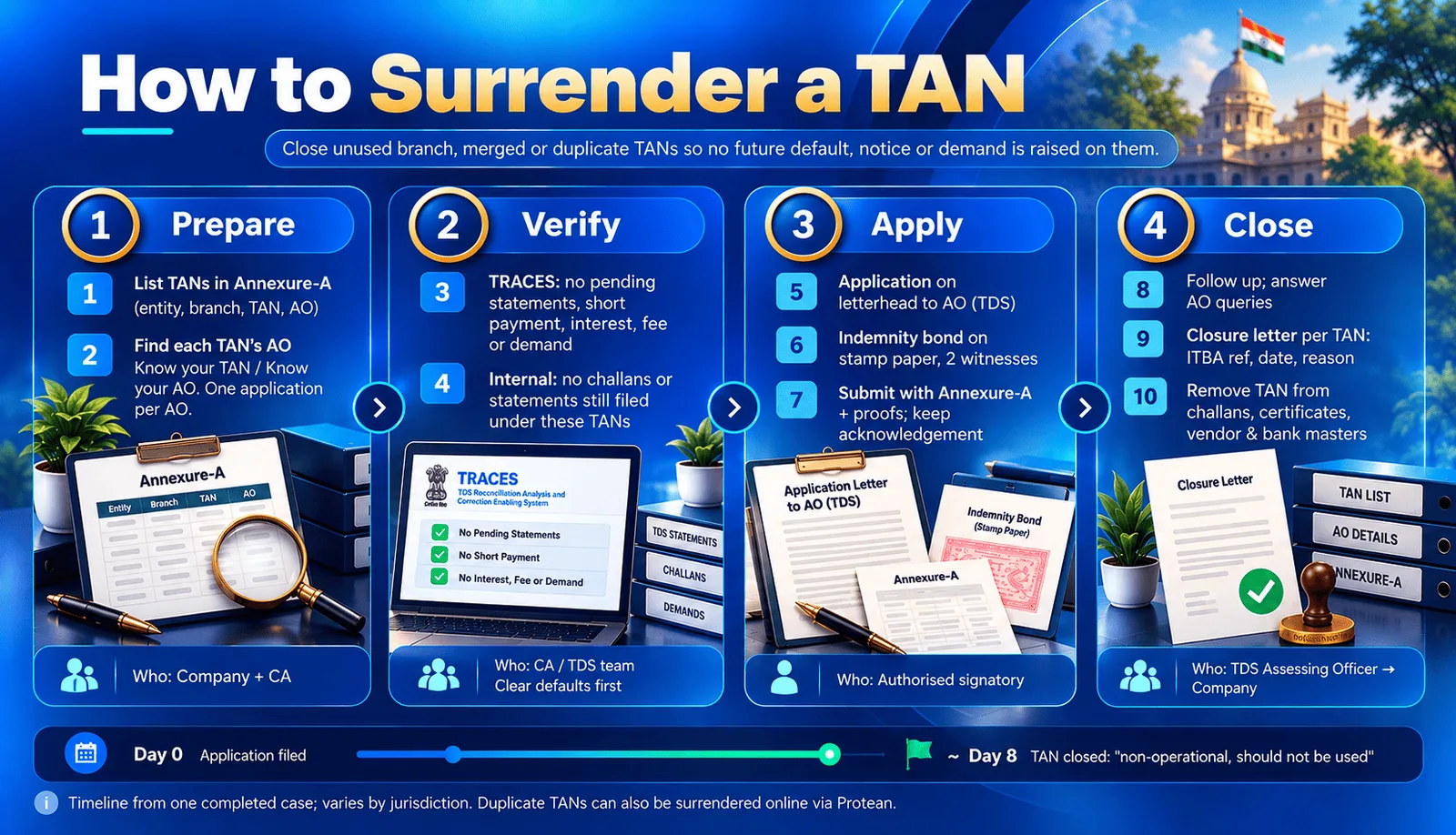
Phase 1: Prepare
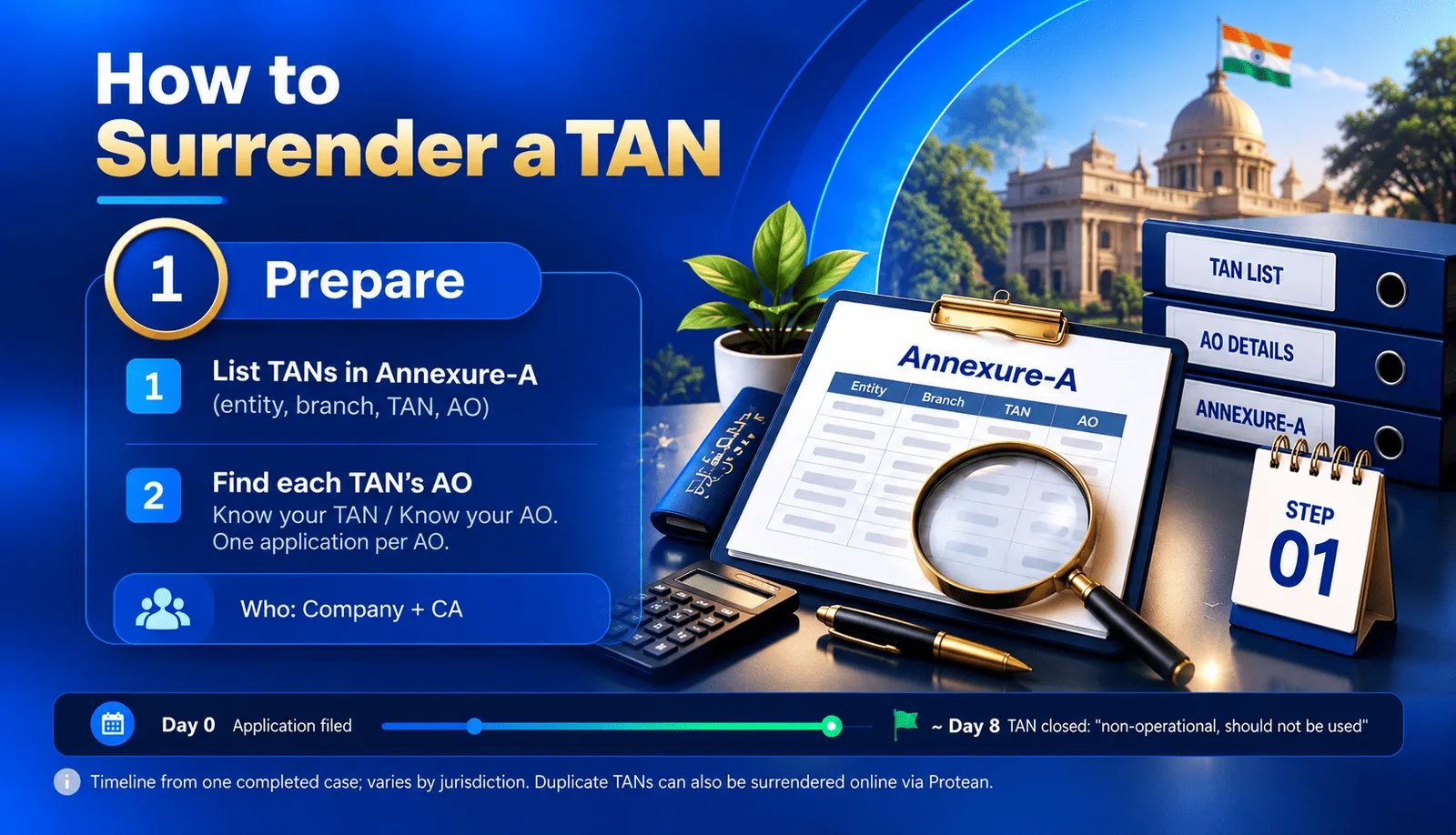
1. List the TANs to surrender.
2. Identify the jurisdictional AO.
Phase 2: Verify
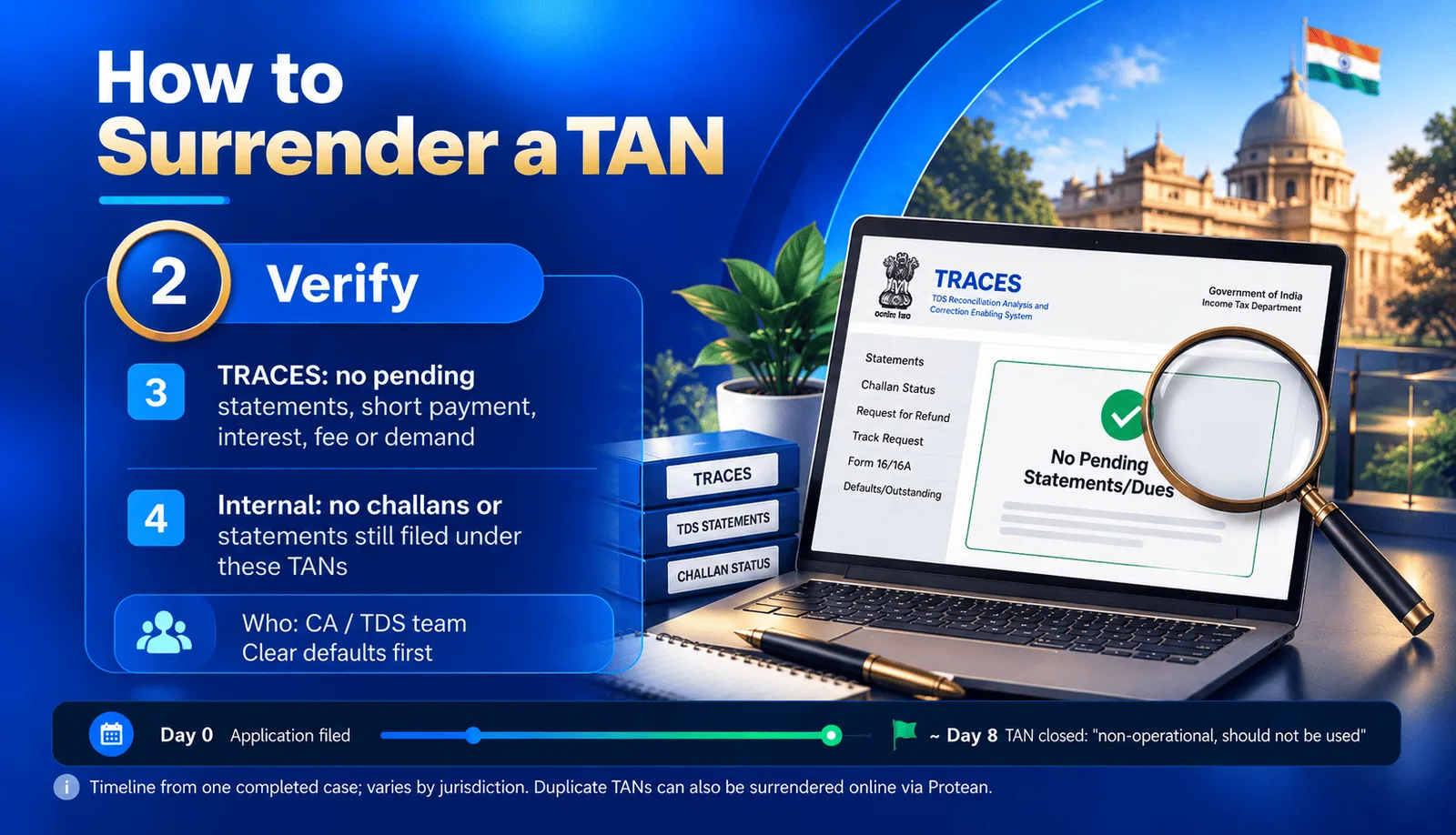
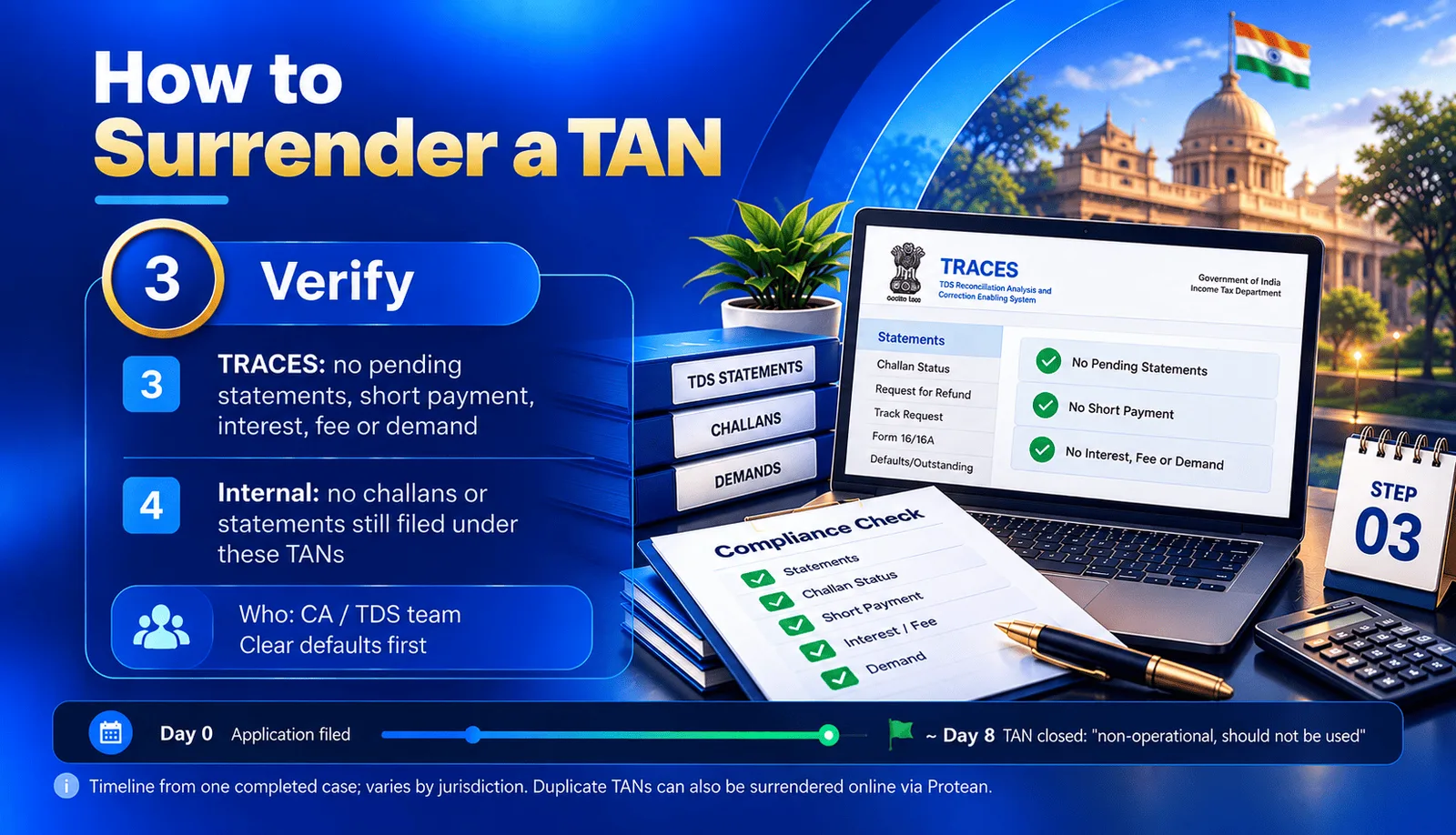
3. Check TRACES for every TAN.
4. Check your internal records.
Phase 3: Apply
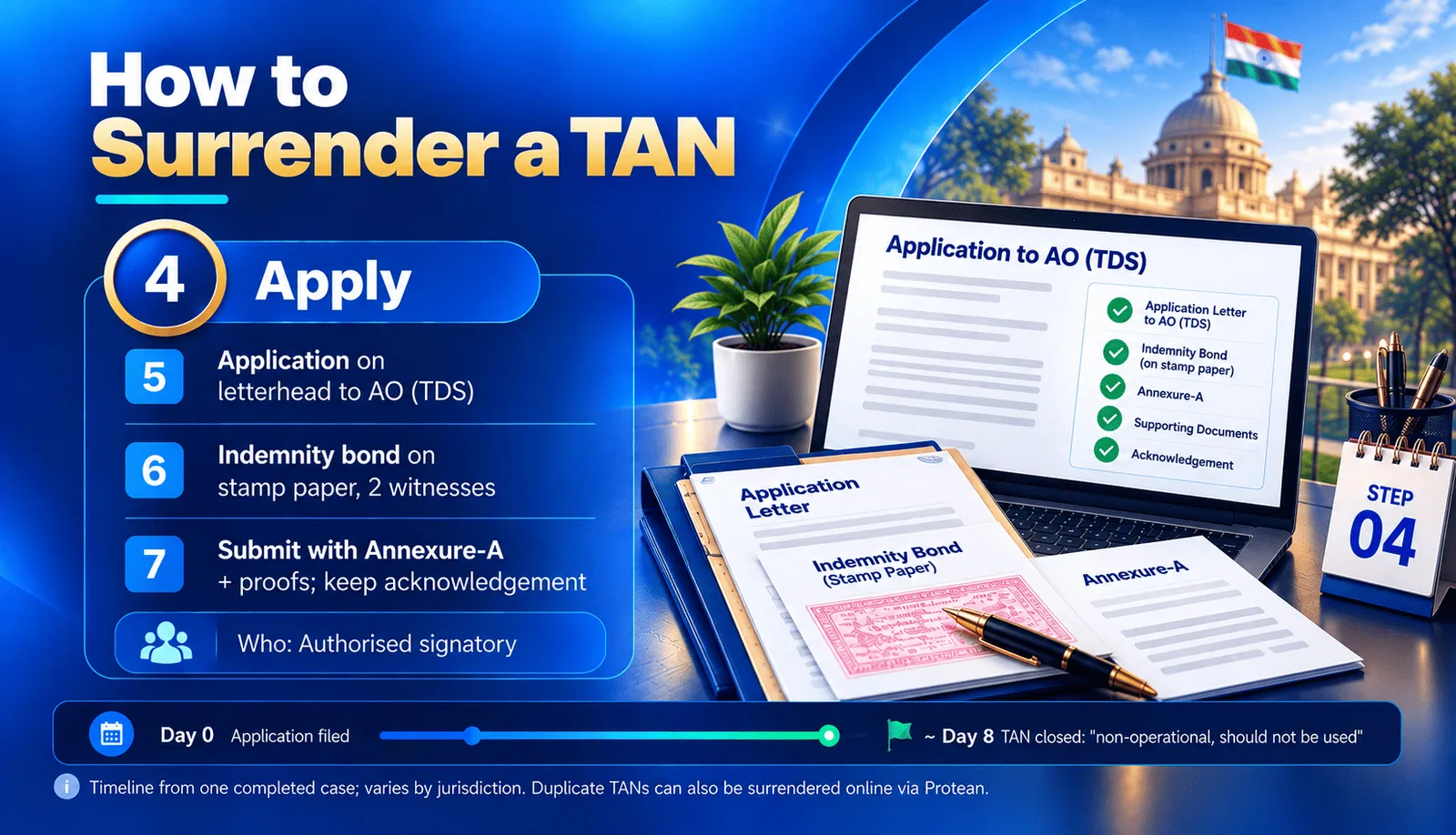
5. Draft the application
6. Execute the indemnity bond
7. Submit the application
Phase 4: Close
8. Follow up
9. Collect the closure letter for each TAN.
10. Update your records.
Duplicate TANs:
Documents checklist for TAN surrender
| # | Document | Signed by |
|---|---|---|
| 1 | Application for surrender of TANs, on letterhead | Authorised signatory |
| 2 | Indemnity bond on non-judicial stamp paper | Authorised signatory, with two witnesses |
| 3 | Annexure-A: list of TANs to surrender | Authorised signatory |
| 4 | TAN allotment letters, or TAN details printout from the e-filing portal | — |
| 5 | TRACES screenshots or default summary showing no outstanding default, per TAN | — |
| 6 | Proof of the reason: centralisation circular, merger order or closure notice | — |
| 7 | Board resolution or authority letter for the signatory | Board / competent authority |
| 8 | PAN copy of the entity | — |
TAN surrender letter format
Indemnity bond executed by [Entity Name] Annexure-A: list of TANs proposed for surrender
What goes into the indemnity bond
Recitals: that the entity holds the TANs in Annexure-A, has stopped using them for the stated reason, and has verified on TRACES that no statements are pending and no default, demand, interest, fee or penalty is outstanding. Declaration: that the TANs are no longer in operational use. Cooperation: an undertaking to furnish any documents or clarifications the Department needs. Indemnity: an undertaking to bear any demand, interest or penalty that arises later for the period when the TANs were operational. Non-admission clause: that nothing in the bond is an admission of any existing default or liability. Validity: binding on the entity and its successors until all matters for the pre-surrender period are concluded.
Annexure-A format
| S.No | Entity | Branch/Unit code | Branch/Unit name | TAN | Jurisdiction (AO) |
|---|---|---|---|---|---|
| 1 | [Entity Name] | [Code] | [Branch name] | [XXXX00000X] | [Circle/Ward] |
| 2 | [Entity Name] | [Code] | [Branch name] | [XXXX00000X] | [Circle/Ward] |
What the TAN closure letter looks like
Note
Precautions before and after closure
Clear all TRACES defaults first. The AO may refuse or delay closure if any demand is open. File pending correction statements before you apply. A closed TAN cannot be used to file statements. Download TDS/TCS certificates (Form 16/16A/27D, or their equivalents under the Income-tax Act, 2025 [VERIFY form numbers]) already issued under the TAN. Tell deductees, vendors and banks which TAN to use going forward, so credits show correctly in their 26AS/AIS. Keep the file: closure letter, application, indemnity bond and TRACES proofs, for at least the statutory record-retention period. Remember the indemnity: a demand raised later on a closed TAN for its operational period remains the entity's liability.
Track old-TAN notices before and after surrender
Frequently Asked Questions
Verify on TRACES that the TAN has no pending statements or defaults, then submit an application with an indemnity bond and a list of TANs to the jurisdictional TDS Assessing Officer. The AO closes the TAN and issues a closure letter.
A duplicate TAN can be surrendered online through the TAN change/correction request on the Protean portal. For branch closure, centralisation or merger, the usual route is an application to the jurisdictional TDS Assessing Officer.
It depends on the AO's office. In one completed case, the TANs were closed 8 days after the application.
In practice, AOs usually ask for one. It confirms that there are no pending defaults and that the entity will bear any liability that arises later for the period when the TAN was in use.
No. The closure letter states that the TAN is non-operational and should not be used. All challans, statements and certificates must use the continuing TAN.
Any demand for the period when the TAN was operational remains the entity's liability, as undertaken in the indemnity bond.