

Quick answer
Why you need a TRACES account
download Form 16 and Form 16A (now Forms 130 and 131) for your deductees view and resolve defaults, and download justification reports download consolidated files to prepare correction statements request challan and PAN corrections verify lower deduction certificates and check PAN status
Before you start: what you need
| Item | Where to find it |
|---|---|
| TAN | TAN allotment letter |
| Token number (provisional receipt number) of a regular TDS statement already filed | Acknowledgement of the filed statement; usually the latest quarter is used [VERIFY: which quarters are accepted] |
| Challan details from that statement: BSR code, date of deposit, challan serial number and amount (CIN) | Challan counterfoil or bank statement; government deductors use the BIN instead |
| Up to three PAN and TDS amount pairs from that statement | The filed statement |
| Responsible person's PAN, name, designation, email and mobile | The person signing TDS statements |
Step-by-step registration
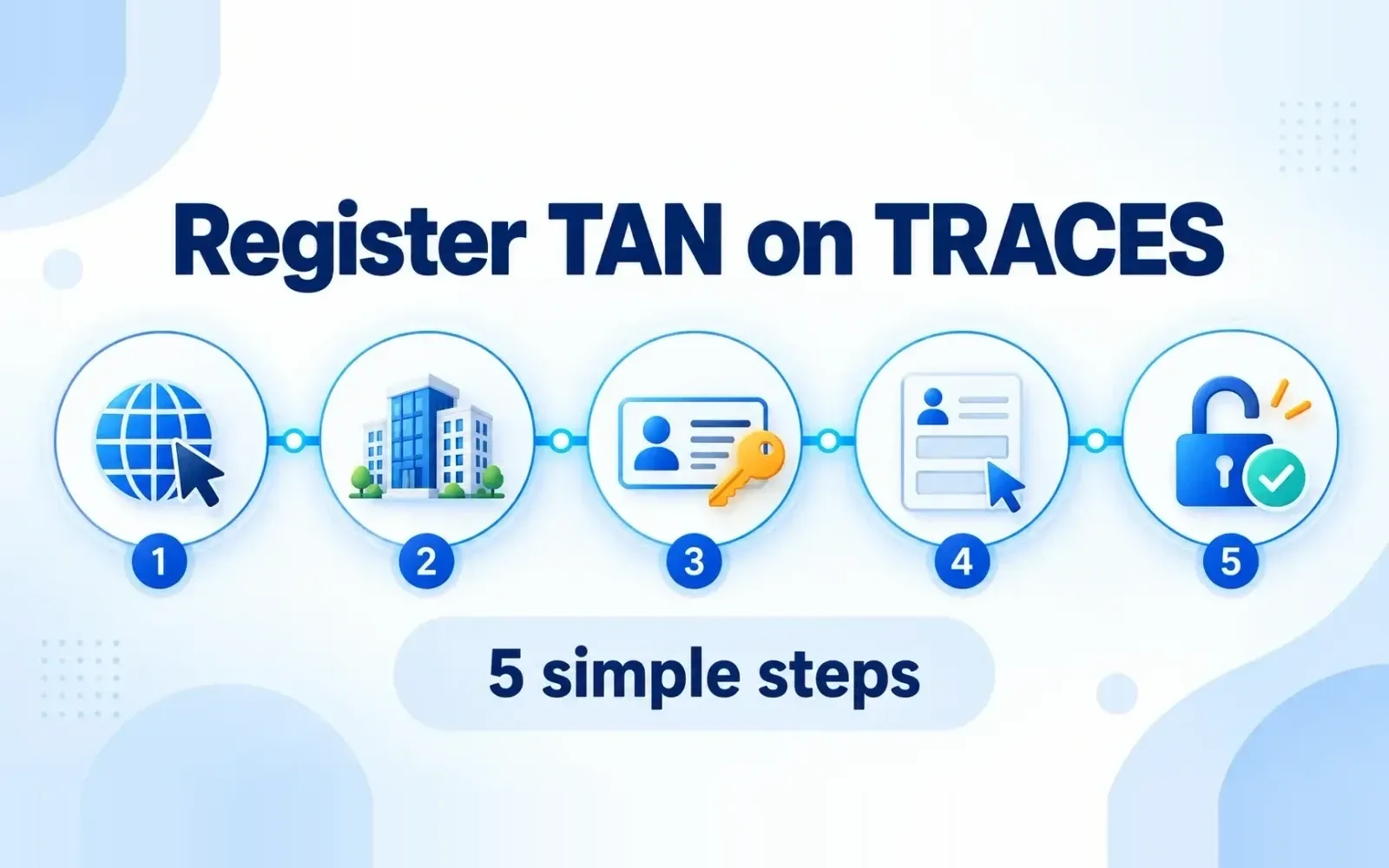
Open TRACES
Go to tdscpc.gov.in and click Login, then Register as New User. Choose Deductor
Enter your TAN and the verification code shown on screen. Click Proceed. Complete the KYC
Select the financial year, quarter and form type of the statement, enter its token number, and enter the challan details (CIN, or BIN for government) and the PAN-amount pairs from that statement. Click Proceed. Enter organisation and responsible person details
Check the TAN details shown, fill in the responsible person's PAN, name, designation, address, email and mobile, and set a password and security question. Activate the account
TRACES sends an activation link and code to the email, and a code to the mobile. Open the link and enter both codes to activate. The link is valid for a limited time (48 hours). [VERIFY: current validity]
Common errors and fixes
| Error | Likely cause | Fix |
|---|---|---|
| "Invalid token number" | Token is from a correction statement, or from a year or quarter that isn't accepted | Use the token of a regular (original) statement from an accepted period |
| "Challan details don't match" | Wrong BSR code, date or serial number, or the challan isn't in that statement | Copy the CIN exactly from a challan reported in that statement |
| "PAN-amount combination not found" | Amount entered doesn't match the statement row | Use the exact TDS amount for that PAN in that statement |
| "TAN already registered" | Someone registered earlier (a previous employee or consultant) | Use **Forgot password** or contact the TRACES helpdesk to reset the admin account |
| Activation link expired | Not activated in time | Register again, or request the activation link again |
After registration
Add sub-users if your TDS team needs separate logins, so the admin password isn't shared. [VERIFY: sub-user option and limits] Keep the responsible person's details up to date. When the person changes, update the profile, otherwise the old email gets every communication. Register on the e-filing portal too for filing Form 26A, viewing demands and responding to notices.
Managing TRACES across many TANs
Frequently Asked Questions
Go to tdscpc.gov.in, select **Register as New User → Deductor**, enter your TAN, complete the KYC with a filed statement's token number, challan details and PAN-amount pairs, fill in your details and activate the account with the codes sent to your email and mobile.
For deductors, the user ID is the TAN.
Generally no, because the KYC needs the token number of a filed regular statement.
On the acknowledgement (provisional receipt) of the filed TDS statement.
Someone registered it earlier. Use **Forgot password**, or contact the TRACES helpdesk to reset the account to the current responsible person.
No. They're separate portals and you need to register on both.