Figment Global Solutions
TDS

TDS Default Notice on TRACES: Types, Penalties and How to Resolve Them

What each TRACES TDS default means (short payment, short deduction, late fee, interest), the penalties, and how to resolve it with the justification report.

Figment Global Solutions logoFigment Global Solutions 5 min read
Resolving a TDS default notice on TRACES using the justification report and correction statement

Quick answer

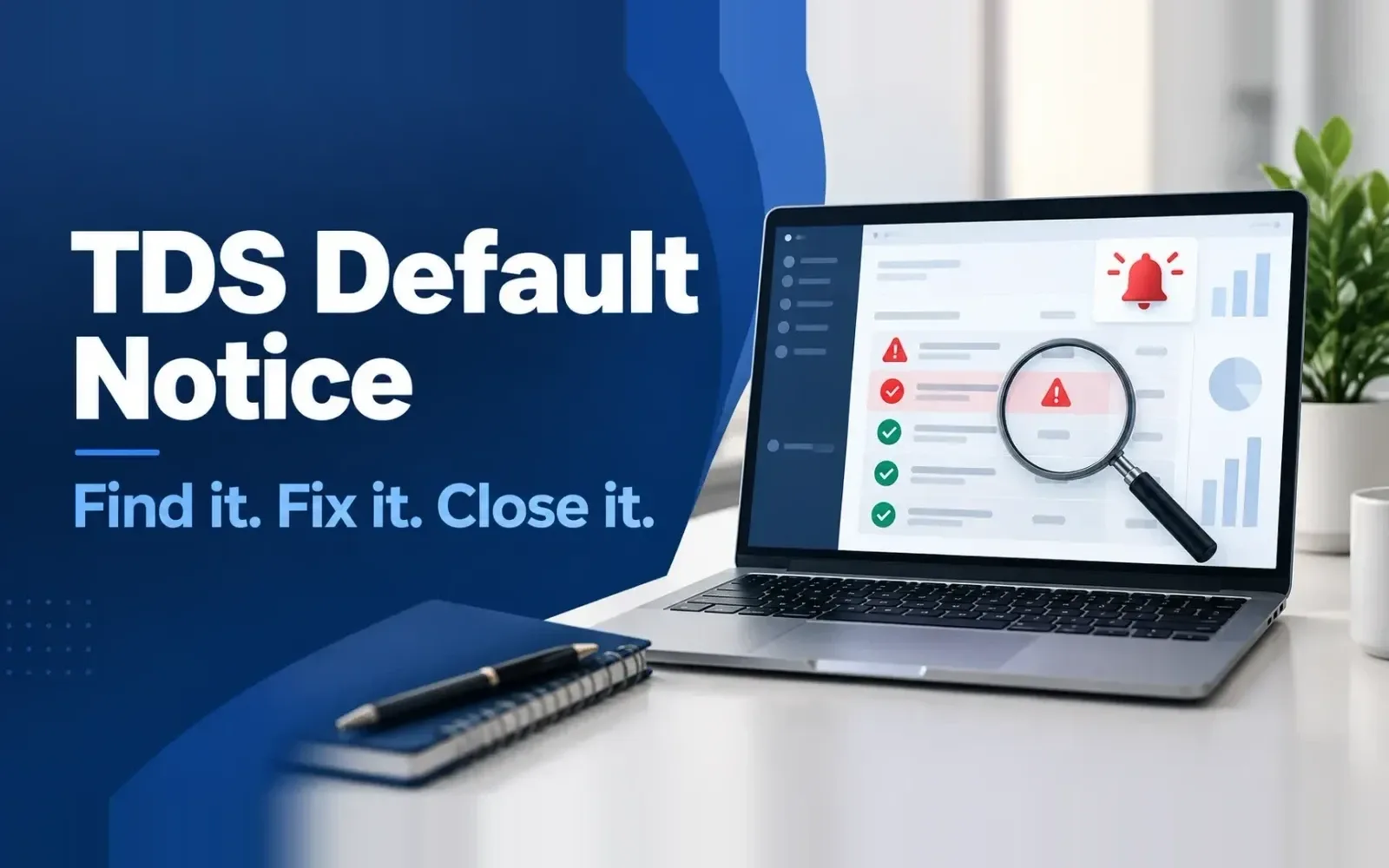
When TRACES processes your quarterly TDS statement, it compares the statement with your challans, PANs, rates and due dates. Any mismatch becomes a default: short payment, short deduction, interest for late deduction or payment, or a late filing fee. You'll see it as an intimation on TRACES and a demand on the e-filing portal. To resolve it, download the justification report, find the cause, then pay the shortfall, file a correction statement, or both. Unresolved defaults grow with interest and can lead to penalties and disallowed expenses.

How a TDS default is raised

After you file a quarterly statement (Form 140 for resident payments, formerly 26Q; Form 138 for salary, formerly 24Q), the Centralized Processing Cell for TDS processes it. Under the 1961 Act this is section 200A; under the Income-tax Act, 2025 it is section 399. The result is an intimation showing any amount payable. The demand also appears on TRACES under Defaults and on the e-filing portal.

Types of TDS defaults

DefaultWhat it meansCommon cause
Short paymentTDS reported in the statement is more than the challans tagged to itChallan not tagged, wrong challan details, wrong payment code on the challan
Short deductionTDS deducted is less than the rate requiresWrong payment code (e.g. 2% instead of 10%), missed threshold, invalid or missing PAN (higher rate applies)
Interest on late deductionTDS was deducted after the date it should have beenDeducted at payment instead of at credit, or late booking
Interest on late paymentTDS was deposited after the due dateDeposit after the 7th of the next month
Late filing feeStatement filed after the due dateLate quarterly statement
Interest on 220(2)The demand wasn't paid in timeEarlier intimation left unpaid

Penalties and interest

These are the rates under the 1961 Act, which continue to apply to FY 2025-26 and earlier years.

ItemAmountOld provision
Interest, late deduction1% a month or part of a month, from the date TDS was deductible to the date deducted201(1A)
Interest, late payment1.5% a month or part of a month, from the date deducted to the date paid201(1A)
Late filing fee₹200 a day until the statement is filed, capped at the TDS amount234E
Penalty, late or incorrect statement₹10,000 to ₹1,00,000271H
Disallowance of expense30% of the expense where TDS wasn't deducted or paid40(a)(ia)

Note that interest is calculated per month or part of a month, so one day late can cost a full month's interest.

How to resolve a TDS default: step by step

  1. Check the default summary

    Log in to TRACES (tdscpc.gov.in) with your TAN, go to Defaults → Default Summary, and note the financial year, quarter and form with a demand.

  2. Download the justification report

    Request it under Downloads → Request for Justification Report. It's ready in the Requested Downloads section, usually within a day. It lists every deductee row with a default and the reason.

  3. Find the cause for each row

    Group the defaults: unmatched challans, PAN errors, rate differences, late deduction, late payment.

  4. Fix it, depending on the cause

    • Challan not matched: correct the challan details or tag the right challan in a correction statement. If the challan itself has errors (wrong TAN, payment code or year), request a challan correction.
    • Short deduction due to PAN: collect the correct PAN and correct the deductee row (PAN correction).
    • Short deduction due to rate: if the original rate was right (for example, a lower deduction certificate), correct the statement. If it was wrong, pay the shortfall, or use Form 26A if the payee has already paid tax on it.
    • Interest and late fee: pay through a challan and tag it in a correction statement.
  5. File the correction statement

    Download the consolidated file from TRACES, make the corrections, validate it with the latest FVU and file it.

  6. Check that the default is closed

    After the correction is processed, the default summary should show zero, or only the items you're contesting.

When you think the default is wrong

Sometimes the default comes from a processing error, or a correction filed earlier hasn't been processed. In that case, raise a request on TRACES or write to your TDS assessing officer with the challan and statement details. Keep a copy of everything: if the demand isn't closed, it can be adjusted against refunds.

Old years after the Income-tax Act, 2025

Defaults for FY 2025-26 and earlier are still processed and resolved under the 1961 Act, using the old forms (24Q, 26Q, 27Q, 27EQ) for corrections. For tax year 2026-27 onwards, consequences of failure move to section 398 and processing to section 399. Teams will be handling both for some time, so keep the old section codes in your systems for corrections.

Preventing defaults before you file

Most defaults are avoidable: they come from data that could have been checked before filing. TaxCPC validates PANs, lower deduction certificates and challans against TRACES before the statement is filed and generates a justification report in advance. NoticeCPC pulls TDS defaults and notices for all your TANs into one dashboard with due dates, so nothing is missed.

Frequently Asked Questions

An amount payable that TRACES finds when processing your TDS statement: short payment, short deduction, interest on late deduction or payment, or a late filing fee.

Share this article

Compliance support

Need Help with Compliance?

Tell us which returns are hurting.

Our team will walk through it with you...