Figment Global Solutions
GST

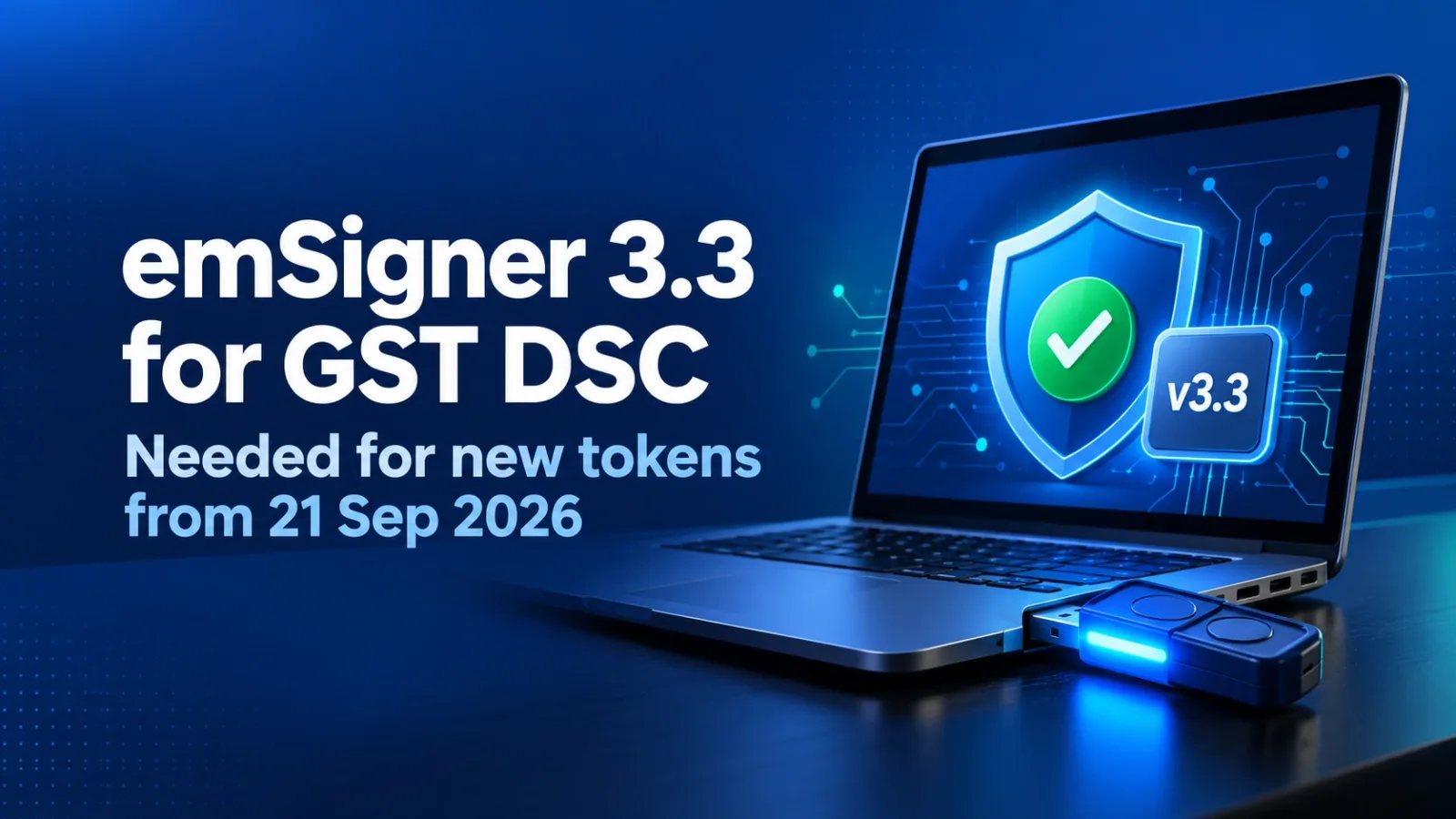
emSigner 3.3 on the GST Portal: Required for DSC Tokens Issued from 21 September 2026

GSTN has released emSigner 3.3. It is required for DSC tokens issued on or after 21 September 2026. Existing working DSCs can continue. Steps and system needs.

Figment Global Solutions logoFigment Global Solutions 4 min read
DSC USB token connected to a laptop showing the emSigner 3.3 upgrade for signing on the GST portal

Quick answer

emSigner 3.3 is now available on the GST Portal. If your DSC token (USB dongle) was issued on or after 21 September 2026, you must install emSigner 3.3, because older versions will not work with it. If your existing DSC and token work normally, you do not need to change anything.

emSigner 3.3 is the new version of the signing utility that the GST Portal uses to read your Digital Signature Certificate (DSC) from a USB token. You need it when you sign GST returns, registration amendments, refund applications or replies to notices with a DSC, which is mandatory for companies and LLPs. Here is who must upgrade, what your computer needs and how to install it.

What GSTN has announced

In its advisory dated 19 September 2026, GSTN said a new version of emSigner (v3.3) is available for download so that the GST Portal works with DSC tokens issued on or after 21 September 2026. This follows the Controller of Certifying Authorities (CCA) advisory on moving DSC tokens from the FIPS 140-2 standard to FIPS 140-3.

Who needs to upgrade

Your situationWhat to do
Existing DSC and token working normally as on 21 September 2026 No change needed. Continue with your current emSigner version
Existing DSC, but signing fails or the certificate does not appear despite correct token drivers Upgrade to emSigner 3.3 (it is backward compatible with existing tokens)
New token issued on or after 21 September 2026 (new DSC, or renewal in a new dongle) Upgrading to emSigner 3.3 is mandatory

Minimum system requirements

ItemRequirement
Operating system Windows 10 or 11 (64-bit), Linux (Ubuntu 18 and above) or macOS (10.6 and above)
System type 64-bit
RAM 8 GB and above
Storage 64 GB and above
Java Java 1.8 (OpenJDK or Oracle), installed separately before emSigner. Java 9 and above are not supported

How to upgrade

  1. Check your system

    Confirm the computer you use for GST signing meets the requirements above, including Java 1.8.

  2. Download emSigner 3.3

    Download and install it from the GST Portal at gst.gov.in/help/docsigner.
  3. Sign a test document

    Log in, register or update the DSC if needed, and check that it appears for selection when signing a return or form.

  4. Raise a ticket if stuck

    If signing still fails, raise a ticket on the GST Helpdesk.

Why emSigner 3.3 is needed: the FIPS 140-3 change

FIPS is the security standard that cryptographic devices such as DSC tokens are tested against. The CCA has asked Certifying Authorities to stop issuing DSCs on FIPS 140-2 tokens from 21 September 2026 and to move to FIPS 140-3 tokens, with all non-compliant modules to be retired by 21 September 2029. New tokens built to FIPS 140-3 need updated software to be read correctly, which is why the GST Portal has released emSigner 3.3. Other portals that use DSC signing may release similar updates, so check their help pages when you receive a new token.

Does 21 September 2026 invalidate existing DSCs?

No. Under the CCA advisory, DSCs downloaded onto FIPS 140-2 tokens on or before 21 September 2026 can be used until they expire. When they are renewed or a new DSC is issued, it will generally need a FIPS 140-3 token, subject to the CCA's exceptions.

Practical tip

Before a GSTR-3B, GSTR-9 or refund deadline, check whose DSCs in your team or client base are due for renewal. A new token means emSigner 3.3 on every computer that will sign with it. GSTCPC helps you track filings across all your GSTINs so a signing problem does not hold up a return.

Frequently Asked Questions

No. It is mandatory only for DSC tokens issued on or after 21 September 2026. If your existing DSC works normally, you can continue with your current version.

Share this article

Compliance support

Need Help for Compliance?

Tell us which returns are hurting.

Our team will walk through it with you...