

Why client notice updates break down
The notice reaches the client first. GST and Income Tax portals send email and SMS alerts to the taxpayer's registered contacts, not to the firm. The client may forward it late, or not at all. Requests for documents go unanswered. A reply to a scrutiny or show cause notice usually needs invoices, ledgers or explanations only the client has. The client cannot tell "received" from "replied". Without a clear status, clients chase partners on calls and WhatsApp, and the team spends time answering "what is the update?" instead of preparing the reply. Nobody owns the client conversation. The article clerk preparing the reply assumes the manager has told the client; the manager assumes the opposite.
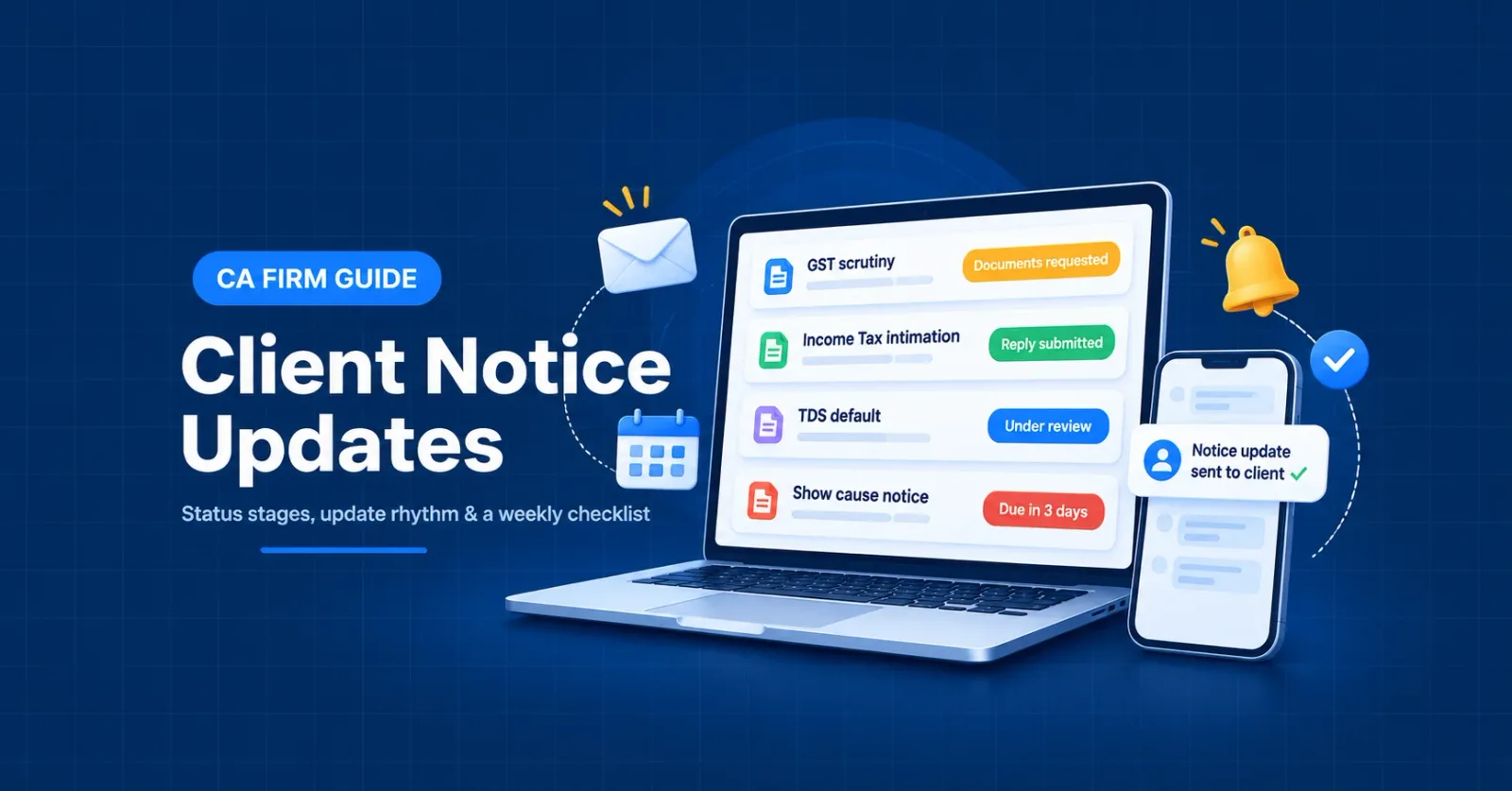
The status stages to share with clients
| Stage | What it means for the client | What the client needs to do |
|---|---|---|
| Received | A notice has been issued and logged by the firm | Nothing yet; wait for the summary |
| Under review | The firm is reading the notice and checking the facts | Answer any quick questions |
| Documents requested | The reply needs information from the client | Send the listed documents by the date given |
| Reply in preparation | The firm is drafting the response | Review the draft when shared |
| Reply submitted | The response has been filed on the portal | Nothing; keep the acknowledgement |
| Hearing / further query | The officer has asked for more or fixed a hearing | Attend or authorise attendance; send further documents |
| Order received | The proceeding has ended in an order | Decide next steps with the firm (accept, rectify or appeal) |
| Closed | No further action is pending | Nothing |
How often to send client notice updates
| Situation | Update rhythm |
|---|---|
| New notice received | Same day: short alert with the notice type, period, response due date and next step |
| Documents requested | At the request, then a reminder 3 working days before your internal deadline |
| Reply submitted | Same day, with the acknowledgement or transaction ID |
| Hearing or adjournment | As soon as the date is fixed, and again a day before |
| Order received | Within 2 working days, with a plain-language summary and options |
| Open notices with no change | Weekly or fortnightly digest per client |
What to include in every update
Entity and portal – client name, PAN or GSTIN, and whether it is a GST, Income Tax, TDS or AIS-related matter. Notice type and period – for example, "GST scrutiny notice for FY 2023-24" or "Income Tax intimation for AY 2025-26". Current status – one of the stages above. Next action and owner – who must do what, and by when. Response due date – the date on the notice, and your earlier internal date if documents are needed. Amount involved – where the notice proposes a demand or adjustment, so the client can plan.
A short template
Template: Notice update – [Client / PAN or GSTIN]
Channels: email, WhatsApp or a shared report?
Email is best for the formal record: notice PDF, document list and final acknowledgement. WhatsApp or SMS works for short reminders and "documents still awaited" nudges. Keep the substance in email so it is on record. A shared report (PDF or spreadsheet per client) works for the weekly or fortnightly digest, especially for corporate clients whose finance teams want one list of all open notices.
Protect the client relationship when news is bad
Call before you email, then send the written update the same day. Separate the facts (what the order says) from the options (rectification, appeal, payment under protest where relevant). Give the deadline for each option clearly. Appeal and rectification windows are fixed by law and are explained in our notice management guide.
Weekly checklist for partners
Every new notice this week has a client update sent the same day. Every "Documents requested" item has a due date and a reminder scheduled. No notice is overdue; any exception has a reason and a new date. Every submitted reply has its acknowledgement shared with the client. Hearing dates for the next 14 days are confirmed with the client. Each client group has received its weekly or fortnightly digest. Orders received this week have a summary and next-step decision recorded.
How NoticeCPC supports client notice updates
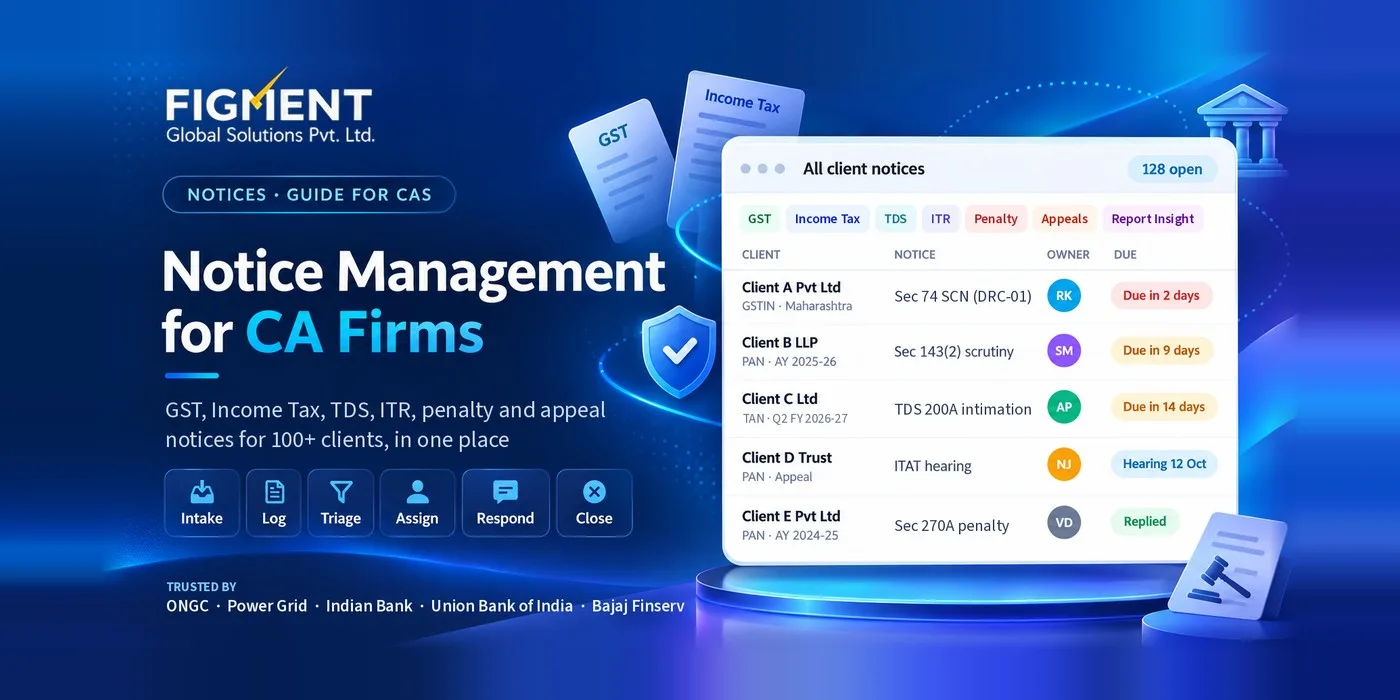
One list for every client. Income Tax, TDS, GST, AIS, Report Insight and ITAT notices for multiple PANs and GSTINs appear in one place, brought in by automatic, bulk or manual sync, instead of checking each client's portal login. Clear status and ownership. Each notice can be assigned to a team member, with role-based access so the right people see the right clients. Alerts and reminders before response due dates, plus a calendar view by due date, section and status. Client-level reports that can be used as the weekly digest for each client, and audit-ready reports for partner reviews.
Key takeaways
Most missed notice deadlines start with a communication gap, not a legal one. Use one fixed set of status stages for every notice and every client. Send an update the same day a notice arrives, a reply is filed, or an order is received; use a weekly digest for everything else. Give every document request a due date earlier than the portal deadline. Keep your tracker as the single source of truth; every client update is a copy of it.
Frequently Asked Questions
The entity and portal, notice type and period, current status, next action and owner, response due date and any amount involved. Share the notice PDF separately.
The same day for new notices, submitted replies and orders, with reminders for pending documents. For open notices with no change, a weekly or fortnightly digest per client is enough.
Usually because the request has no clear date, or the date is the same as the portal deadline. Set an internal due date a few days earlier and send a reminder before it.
It is useful for short reminders, but keep the formal record (notice copy, documents and acknowledgement) on email or in a shared report.
NoticeCPC tracks every client's notices with status, owner and due date, and produces client-level reports that firms can share as a digest. Messages to clients are sent through the firm's own email or chat.