
GSTR-2B Reconciliation: Handling Unreconciled Invoices with Vendor Follow-up
Quick answer:
What GSTR-2B is and why the match matters ?
| Provision | What it says (in short) | Why it matters for reconciliation |
|---|---|---|
| Section 16(2)(aa), CGST Act | ITC only if the invoice/debit note is furnished by the supplier and communicated to you | An invoice missing from GSTR-2B cannot be claimed this period |
| Rule 36(4), CGST Rules | ITC limited to documents reported by suppliers and appearing in GSTR-2B | No provisional or "buffer" credit beyond GSTR-2B |
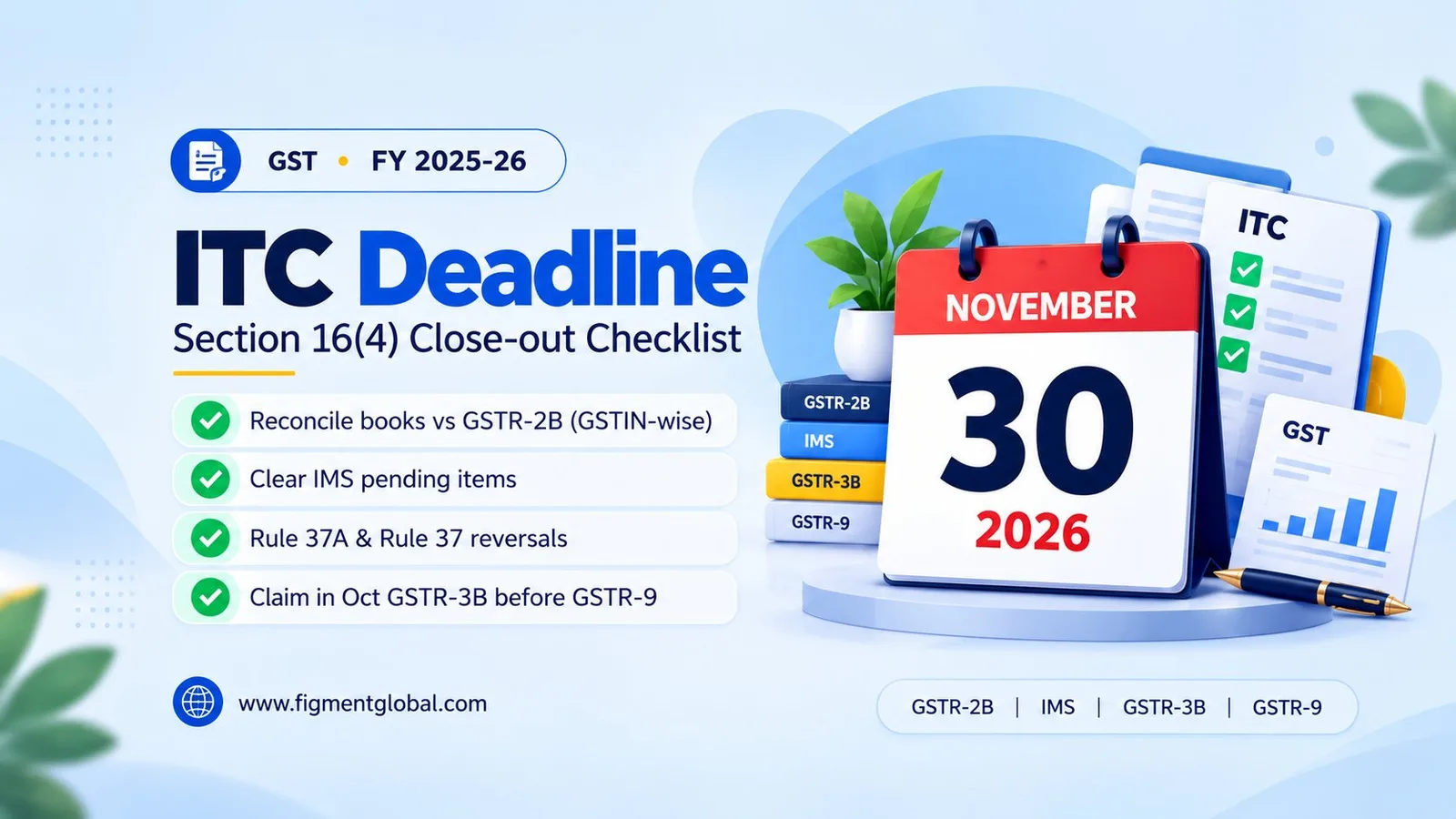
| Section 16(4), CGST Act | ITC for a financial year must be claimed by 30 November of the following year or the annual return date, whichever is earlier | Invoices chased too late may become time-barred |
| Section 16(2) second proviso + Rule 37 | Credit reversed if the supplier is not paid within 180 days of invoice date | Payment ageing belongs in the same review |
| Rule 37A | Reverse ITC if the supplier has not filed GSTR-3B for the period by 30 September of the following year; reclaim once they file | Vendor non-filing becomes a reversal, not just a mismatch |
How IMS changed GSTR-2B reconciliation ?
| IMS action | Effect | Use it when |
|---|---|---|
| Accept | Record counts in GSTR-2B as ITC available | Invoice is in your books, values match, goods/services received |
| Reject | Record goes to the rejected section; no ITC | Invoice is not yours, duplicated, or wrong in a way the supplier must fix |
| Pending | Held back from this period's GSTR-2B | Not yet received or still being verified; only for allowed record types and periods |
| No action | Treated as deemed accepted when GSTR-2B is generated | Avoid relying on this for material invoices |
Actions after the 14th need a recompute. You can keep acting in IMS until GSTR-3B is filed, but a GSTR-2B already generated does not update itself. Use the recompute option and reconcile the recomputed GSTR-2B before filing. Auto-population continues. GSTN clarified on 8 October 2025 that GSTR-2B is still generated automatically and eligible ITC still auto-populates into GSTR-3B. Pending is time-bound for credit notes. Under GSTN's FAQs on IMS changes from the October 2025 tax period, the following can be kept pending for one more tax period (a month for monthly filers, a quarter for QRMP filers): credit notes and upward amendments of credit notes; downward amendments of a credit note whose original was rejected; and downward amendments of invoices, debit notes or e-commerce documents whose original was accepted and GSTR-3B filed. After that period the pending option is disabled and a record with no action is deemed accepted. Declare the ITC actually to be reduced. For the same records, when you accept, the portal asks whether ITC needs to be reduced. Answer No where you never availed the credit or have already reversed it, or enter the partial amount; a remark is required for partial or no reversal. The figure must tie back to what you actually claimed. Rejecting has consequences for the supplier. Rejecting a credit note can reverse the supplier's reduction in output liability, so rejection should follow a conversation, not replace one. Less room to fix in GSTR-3B. Auto-populated outward liability in GSTR-3B has been non-editable since the July 2025 tax period, and the inter-state breakup in Table 3.2 since November 2025; corrections go through GSTR-1A before filing. ITC in Table 4 is auto-populated from GSTR-2B but remains editable; GSTN has not notified a lock on it so far. Claiming ITC above GSTR-2B beyond the prescribed limit can still trigger a DRC-01C intimation, so treat GSTR-2B as the ceiling. No GSTR-2B if last month's GSTR-3B is pending. GSTN's IMS advisory of November 2024 notes that GSTR-2B is not generated for a period until the previous period's GSTR-3B is filed; once filed, use the Compute GSTR-2B option on the IMS dashboard.
Common GSTR-2B mismatch types
| # | Mismatch | Typical cause | Action this month | Vendor follow-up? |
|---|---|---|---|---|
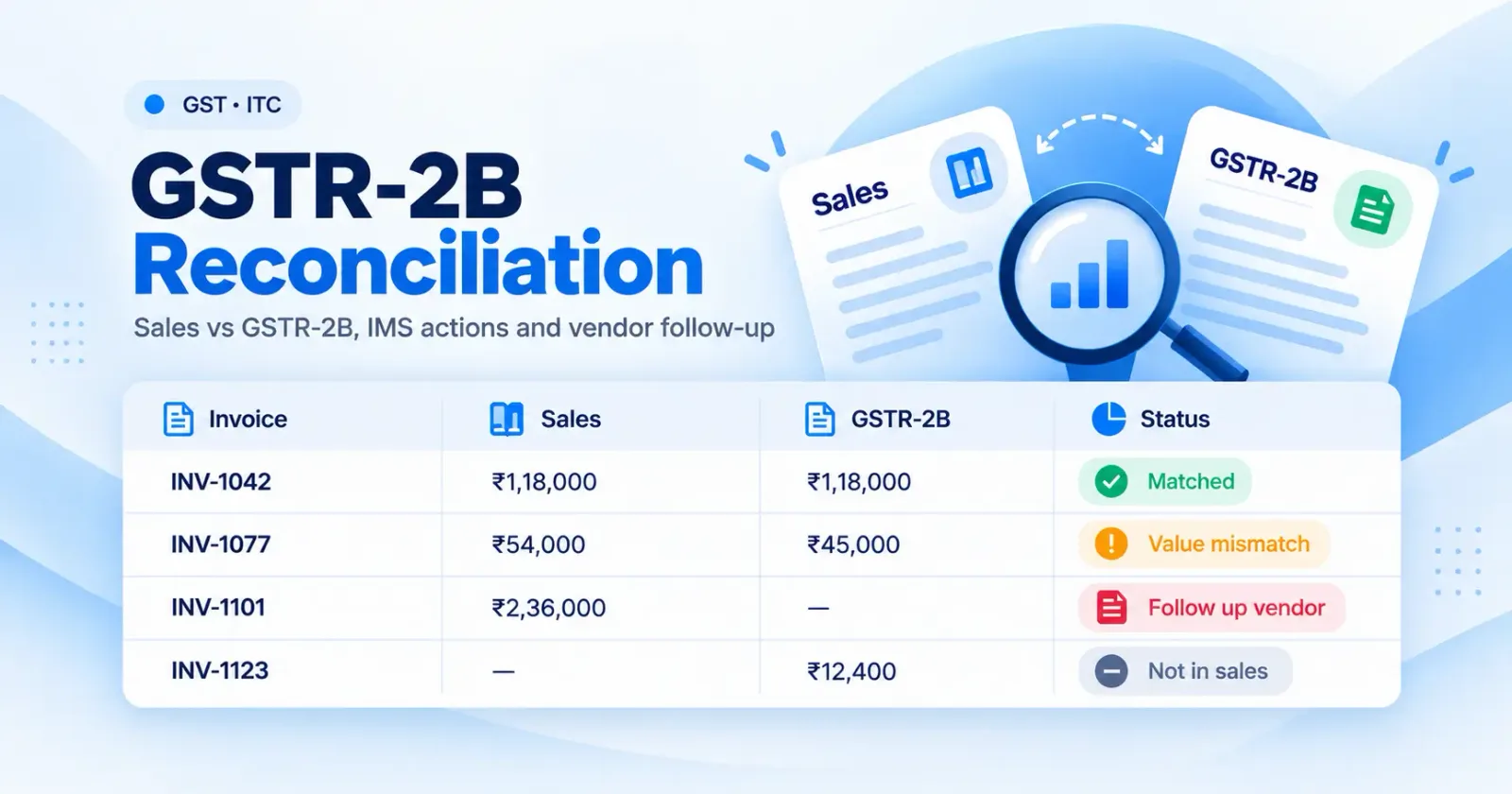
| 1 | In books, not in GSTR-2B | Supplier has not filed GSTR-1/IFF, filed late, or reported under a wrong GSTIN | Do not claim ITC; keep invoice open | Yes: file / correct GSTR-1 |
| 2 | In GSTR-2B, not in books | Invoice not received, not yet booked, or not yours | Keep pending (if allowed) or reject after checking | Yes, if not yours |
| 3 | Value or tax mismatch | Rounding, wrong taxable value, wrong rate | Claim lower of the two only if supported; else hold | Yes: amend via GSTR-1A or later period |
| 4 | Wrong tax head | IGST shown instead of CGST+SGST, or vice versa (wrong place of supply) | Do not claim until corrected | Yes: amend |
| 5 | Invoice number / date mismatch | Typing errors, prefix differences | Treat as matched after verification ("probable match") | Optional: note for future |
| 6 | Wrong GSTIN of recipient | Supplier billed another of your GSTINs | Credit sits with the other GSTIN | Yes: amend to correct GSTIN |
| 7 | Credit note in GSTR-2B, not in books | Supplier issued a credit note you have not accepted | Verify, then accept, keep pending or reject | Yes, if disputed |
| 8 | ITC not available section | Place-of-supply rules, time limit, Section 16(2)(ba) restrictions | Do not claim | Depends on reason |
Step-by-step: a monthly GSTR-2B reconciliation process
Freeze the purchase register (by the 10th)
Pull inward invoices, debit notes and credit notes from SAP, Tally or other ERPs for every GSTIN. Normalise invoice numbers (strip prefixes, spaces, leading zeros) and dates so the match is not defeated by formatting. Reconcile against IMS / draft data (10th–13th)
Match books with the records in IMS before GSTR-2B is generated. Use exact matching first (GSTIN + invoice number + date + value), then rule-based fuzzy matching for number and date variations. Decide accept, reject or pending for each record. Reconcile the generated GSTR-2B (14th onwards)
Download GSTR-2B for each GSTIN, re-run the match and confirm the IMS actions landed as intended. If anything changed after the 14th, recompute GSTR-2B and match again. Classify and quantify the gaps
Put every unmatched line in one of the buckets above and total the ITC at stake by vendor. A short list of high-value vendors usually accounts for most of the gap. Send vendor follow-ups (same week)
Follow-up is where most teams lose credit. See the next section. Compute GSTR-3B ITC and track reversals
Take ITC from the reconciled GSTR-2B. Record reversals (Rule 37, Rule 37A, Rule 42/43, Section 17(5)) and later reclaims in a ledger, so the electronic credit reversal and reclaimed statement on the portal agrees with your books. Roll forward open items
Unmatched invoices are not closed when GSTR-3B is filed. Carry them forward, re-check each month's GSTR-2B, and claim when the supplier reports, within the Section 16(4) time limit.
Vendor follow-up that actually closes invoices
Specific. List the invoice numbers, dates, taxable value, tax and the exact issue (not filed, wrong GSTIN, wrong tax head, value difference). Quantified. State the ITC blocked. Suppliers respond faster when they see the amount at stake for a customer. Dated. Give a deadline tied to the next GSTR-1 / GSTR-1A cycle, not "at the earliest". Escalated on a schedule. First reminder from the AP team, second from the tax head, third with procurement copied. Many companies include a clause in vendor contracts allowing them to withhold the GST amount until the invoice appears in GSTR-2B; check your own contracts before doing this. Tracked. Log each follow-up against the vendor and invoice so you know who was chased, when, and with what result. Linked to vendor master. Repeat offenders (frequent late filers, cancelled GSTINs) should be flagged at onboarding and at every payment run.
How Figment handles GSTR-2B reconciliation
GSTR-2B reconciliation of purchase data against portal data, across GSTINs. Vendor follow-up for unreconciled invoices, so mismatches are sent to the suppliers responsible and tracked. Temporary Reversal and Reclaimed ITC ledger, to record reversals and later reclaims. Auto-computation of GSTR-3B from reconciled data. A single Excel upload for all states/GSTINs and direct SAP and Tally integration for purchase data.
Frequently Asked Questions
It is the monthly comparison of your purchase register with the GSTR-2B statement on the GST portal, to confirm which invoices are eligible for ITC and to identify invoices your suppliers have not reported correctly.
No. Under Section 16(2)(aa) and Rule 36(4) of the CGST Act and Rules, ITC is available only for documents reported by the supplier and appearing in your GSTR-2B. Claim it in the month it appears, within the Section 16(4) time limit.
Records without an action are deemed accepted when GSTR-2B is generated. That is an administrative default, not proof that the credit is eligible.
Yes. If you take IMS actions after GSTR-2B is generated and before filing GSTR-3B, you can recompute GSTR-2B. Reconcile the recomputed statement before filing.
Until the supplier reports it, but you must claim ITC by 30 November following the end of the financial year or the date of filing the annual return, whichever is earlier.