

The password format
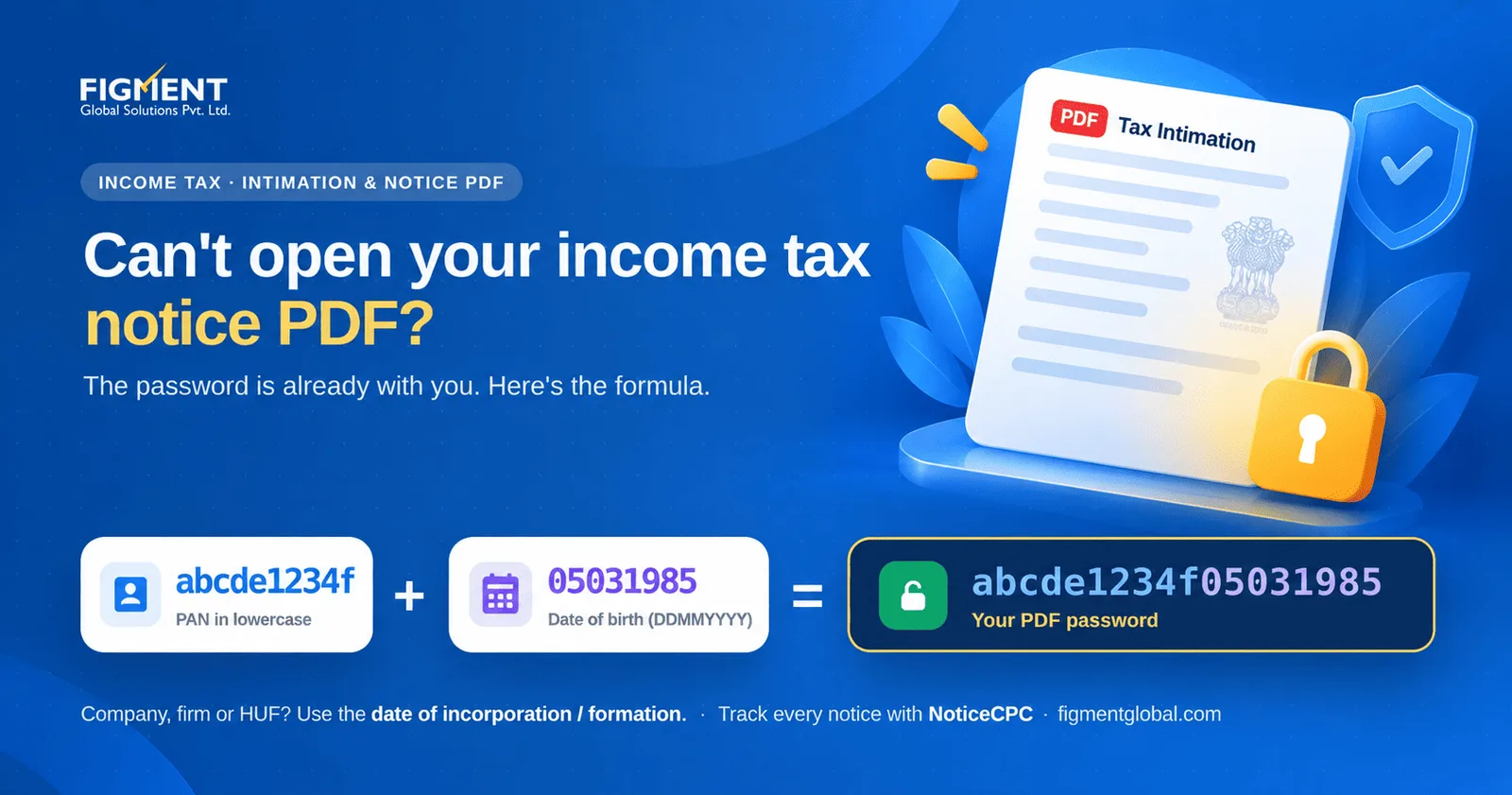
PAN in lowercase + date of birth (or date of incorporation or formation for other taxpayers) in DDMMYYYY format, with no spaces.
| Taxpayer | Date used | Example PAN | Example date | Password |
|---|---|---|---|---|
| Individual | Date of birth | ABCDE1234F | 5 March 1985 | abcpe1234f05031985 |
| Company | Date of incorporation | AAACX1234K | 12 July 2010 | aaacx1234k12072010 |
| Firm or LLP | Date of formation | AAAFX5678L | 1 April 2015 | aaafx5678l01042015 |
| HUF | Date of creation | AAAHX9012M | 20 January 2000 | aaahx9012m20012000 |
| Trust or AOP | Date of formation | AAATX3456N | 15 August 2012 | aaatx3456n15082012 |
Which documents use this password
Intimation after processing of your return (Section 270(1), Income-tax Act, 2025; earlier Section 143(1)) Many notices and orders sent by email from the department The Annual Information Statement (AIS) PDF downloaded from the compliance portal
If the password does not work
Use lowercase for the PAN.
"ABCPE1234F05031985" will fail; "abcpe1234f05031985" works.
Check the date format.
Two digits for day and month, four for the year. 5 March 1985 is 05031985, not 5031985.
Check the date on your PAN record
If your date of birth was corrected, the password uses the date currently in the department's records.
Download it again from the portal
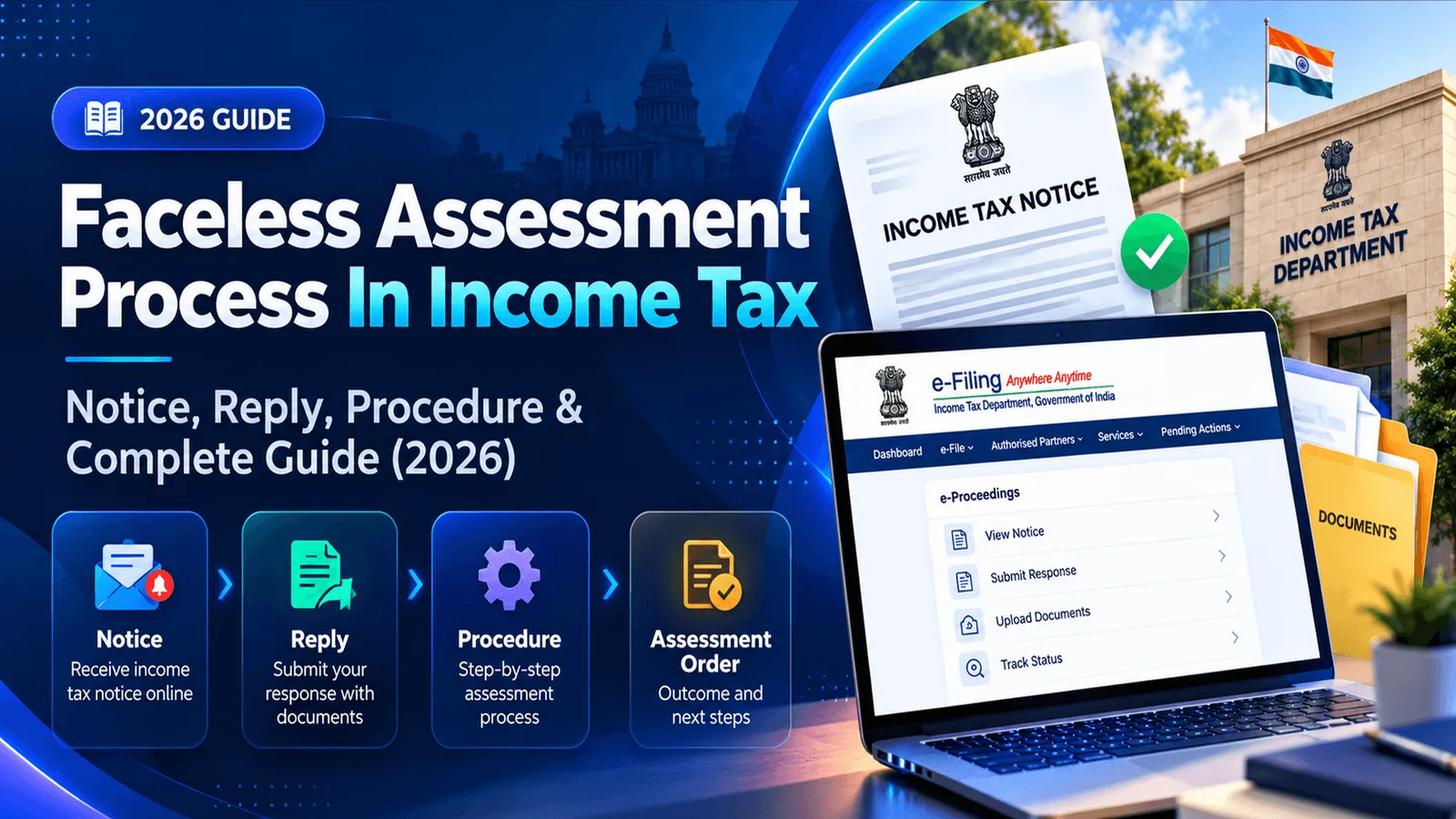
Log in to the e-filing portal and open the notice under Pending Actions → e-Proceedings, or the intimation under e-File → Income Tax Returns → View Filed Returns. You can read it there after logging in.
After you open it
Frequently Asked Questions
Your PAN in lowercase followed by your date of birth in DDMMYYYY format, for example abcpe1234f05031985.
The company's PAN in lowercase followed by its date of incorporation in DDMMYYYY format.
The most common reasons are typing the PAN in capitals or writing the date without leading zeros. Use lowercase and the full DDMMYYYY format.