

What TDS return filing involves in 2026
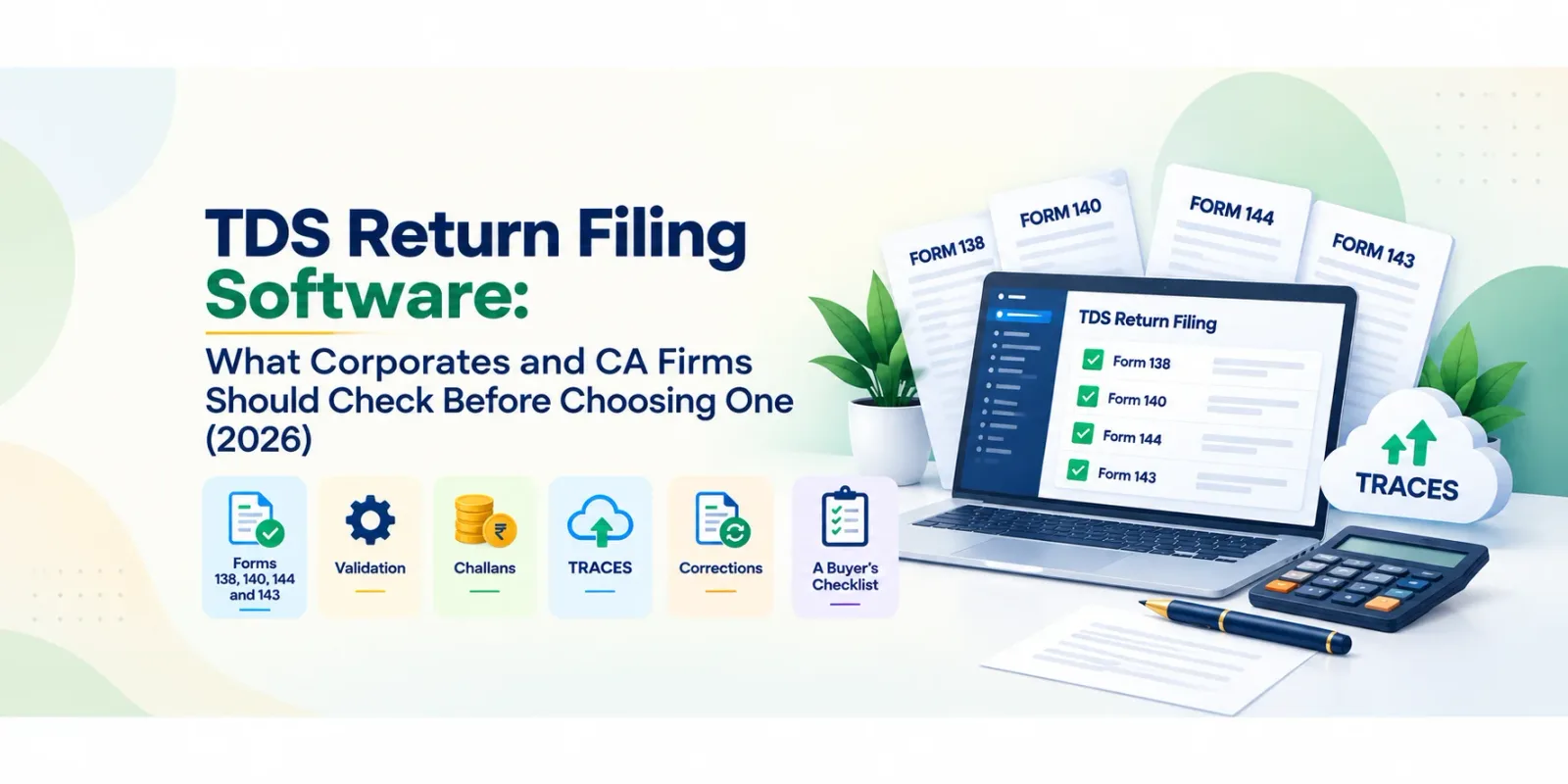
| Statement | Old name (1961 Act) | Form under the 2025 Act |
|---|---|---|
| Salary | 24Q | Form 138 |
| Non-salary payments to residents | 26Q | Form 140 |
| Payments to non-residents | 27Q | Form 144 |
| TCS | 27EQ | Form 143 |
Free utilities or software?
you file for many TANs or branches and need one view of where each quarter stands; deductee data comes from ERP or payroll exports with thousands of rows; PAN errors and challan mismatches keep coming back as TRACES defaults; you need correction statements regularly; you issue Form 130 / 131 certificates in bulk every quarter; reviewers need a maker-checker step before anything is filed.
Features to compare
Preparation and import
Bulk import from Excel and ERP/payroll exports, with field mapping you can save. Support for all four statements (138, 140, 144, 143) and for both regular and correction statements. Multiple TANs, branches and quarters from one account.
Validation before filing
Record-level validation of every row, not just the FVU check at the end. Bulk PAN verification, flagging invalid or inoperative PANs before the statement is generated. Challan checks against the Challan Status Inquiry (CSI) data, so BSR code, date, serial number and amount match. Interest and late filing fee calculation where deposit or filing is late. FVU file generation from validated data.
After filing
TRACES connectivity: downloading the Conso file and justification reports, and requesting Form 130/131. Default resolution for short deduction, short payment and PAN errors, feeding correction statements. Bulk certificate issuance (Form 130, 131 and 133). Form 121 (earlier 15G/15H) declarations handled in the same workflow. Reconciliation with Form 26AS, so unmatched challans and deductions show up early. See our guide on TDS reconciliation.
Control and security
Role-based access and maker-checker review. A status view by TAN and quarter: data uploaded, validated, filed, certificates issued. Security certifications (for example ISO 27001 and SOC 2) and encryption, since TDS data holds PAN and payment details for every deductee.
Buyer's checklist
| # | Question to ask | Why it matters |
|---|---|---|
| 1 | Does it support Forms 138, 140, 144 and 143, including corrections? | The new form set applies from tax year 2026-27 |
| 2 | Does it validate every record before generating the FVU file? | Errors caught early do not become defaults |
| 3 | Can it verify PANs in bulk, including inoperative status? | Invalid PANs drive higher deduction and short credit |
| 4 | Does it check challans against CSI data? | Challan mismatches are the most common default cause |
| 5 | Can it fetch Conso files and justification reports from TRACES? | Corrections need the processed data |
| 6 | Can it issue Form 130/131/133 in bulk? | Certificates are due every quarter |
| 7 | Does it handle many TANs and branches with one status view? | Large deductors lose track across entities |
| 8 | Is there maker-checker review and role-based access? | Filing should not depend on one person |
| 9 | What security certifications does the vendor hold? | TDS data is sensitive |
| 10 | What support is available in the last week before a due date? | That is when problems happen |
Common mistakes when switching tools
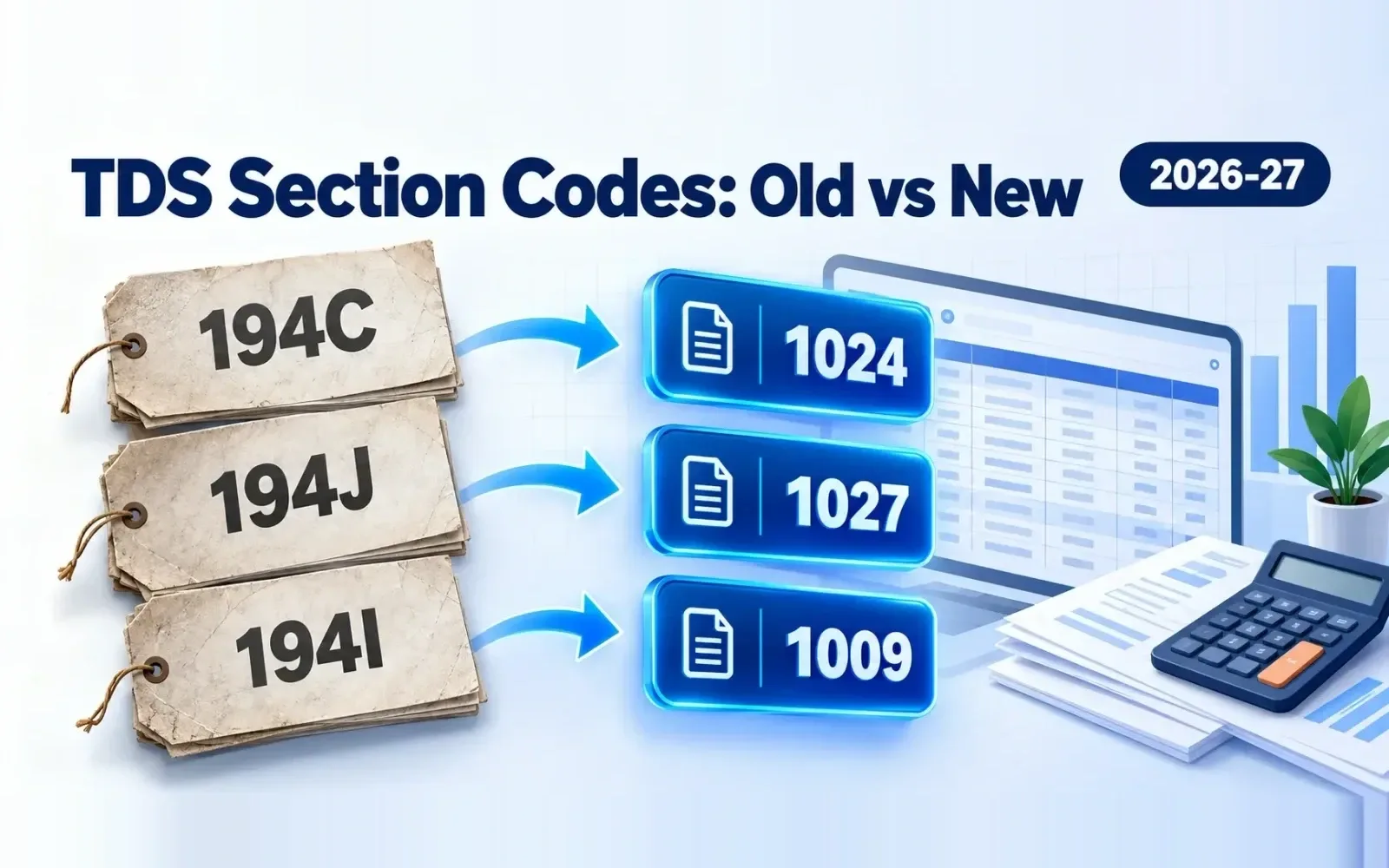
Migrating mid-year without carrying over earlier quarters' processed data, which makes corrections harder. Mapping old section codes to the new payment codes inconsistently between the ERP and the filing tool. Our TDS rate chart lists old sections against the new codes. Testing only with clean sample data instead of a real quarter with known errors.
How TaxCPC handles TDS return filing
Form 138 (24Q), 140 (26Q), 144 (27Q) and 143 (27EQ) returns, regular and correction, for multiple TANs and branches. Bulk import from Excel, bulk PAN verification and challan verification against CSI. Record validation before filing, FVU file generation, and interest and late filing fee calculation. TRACES: Conso file, justification report, Form 16/16A requests and default resolution (short deduction, short payment, PAN errors). Form 130, 131 and 133 in bulk, Form 121 (15G/15H) XML creation and upload, and TDS reconciliation with 26AS.
Key takeaways
TDS return filing now uses Forms 138, 140, 144 and 143 under the Income-tax Act, 2025. The free RPU/FVU route suits small deductors; volume, many TANs and recurring defaults are the signs you need software. Compare tools on checks before filing (records, PANs, challans), TRACES follow-up and bulk certificates, not just on filing itself. Test any tool on a real quarter with known errors before switching.
Frequently Asked Questions
Software that prepares, validates and files quarterly TDS and TCS statements, and handles corrections, TRACES defaults and TDS certificates.
Form 138 for salary (earlier 24Q), Form 140 for resident non-salary payments (26Q), Form 144 for non-residents (27Q) and Form 143 for TCS (27EQ).
Yes. The free Return Preparation Utility and File Validation Utility are enough for small volumes. Software helps when you file for many TANs, have large data volumes or face recurring defaults.
Challan details that do not match the deduction rows, and invalid or inoperative PANs. Checking both before filing prevents most defaults.
They are the TDS certificates under the Income-tax Act, 2025: Form 130 replaces Form 16 (salary) and Form 131 replaces Form 16A (non-salary).