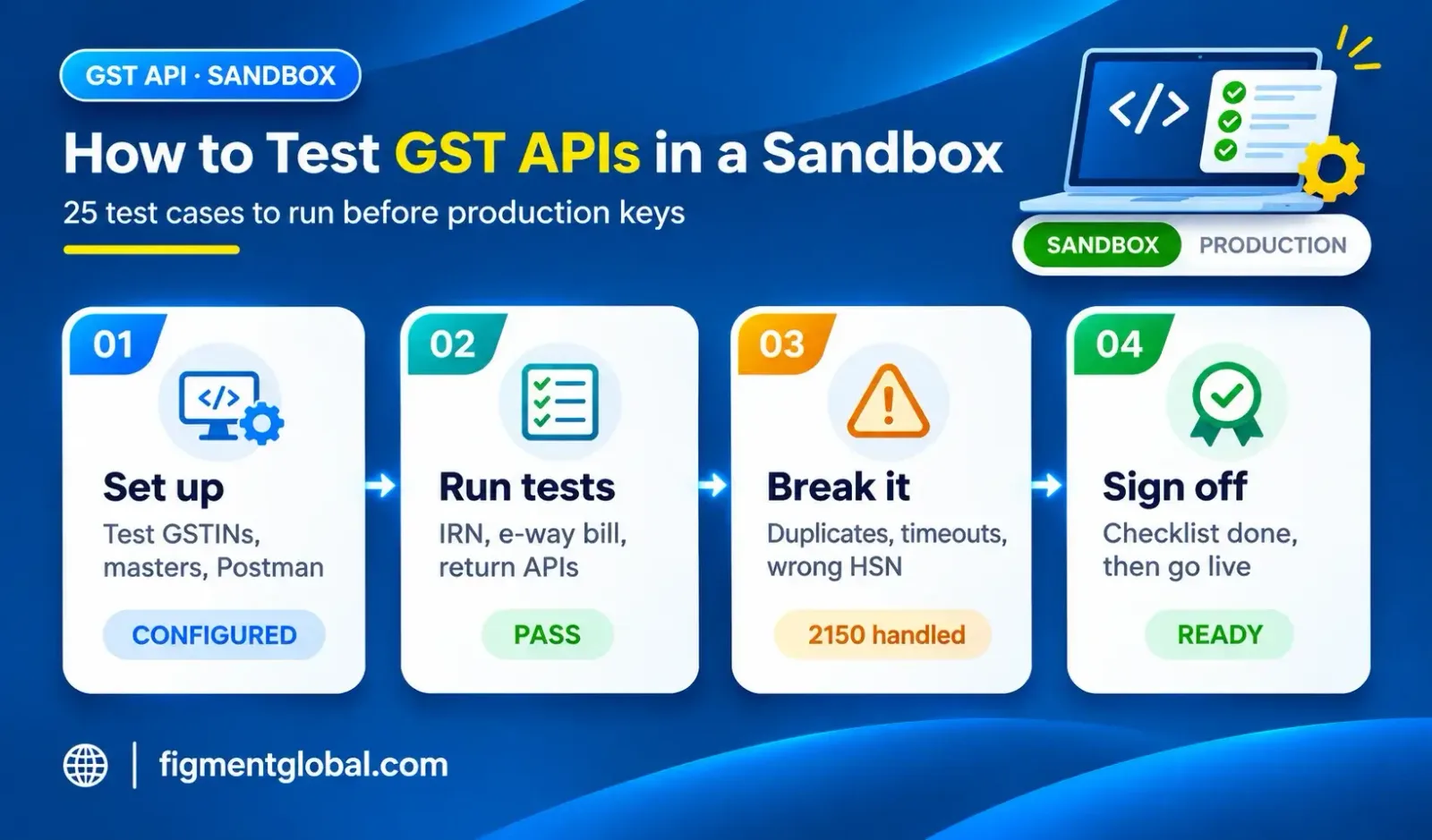
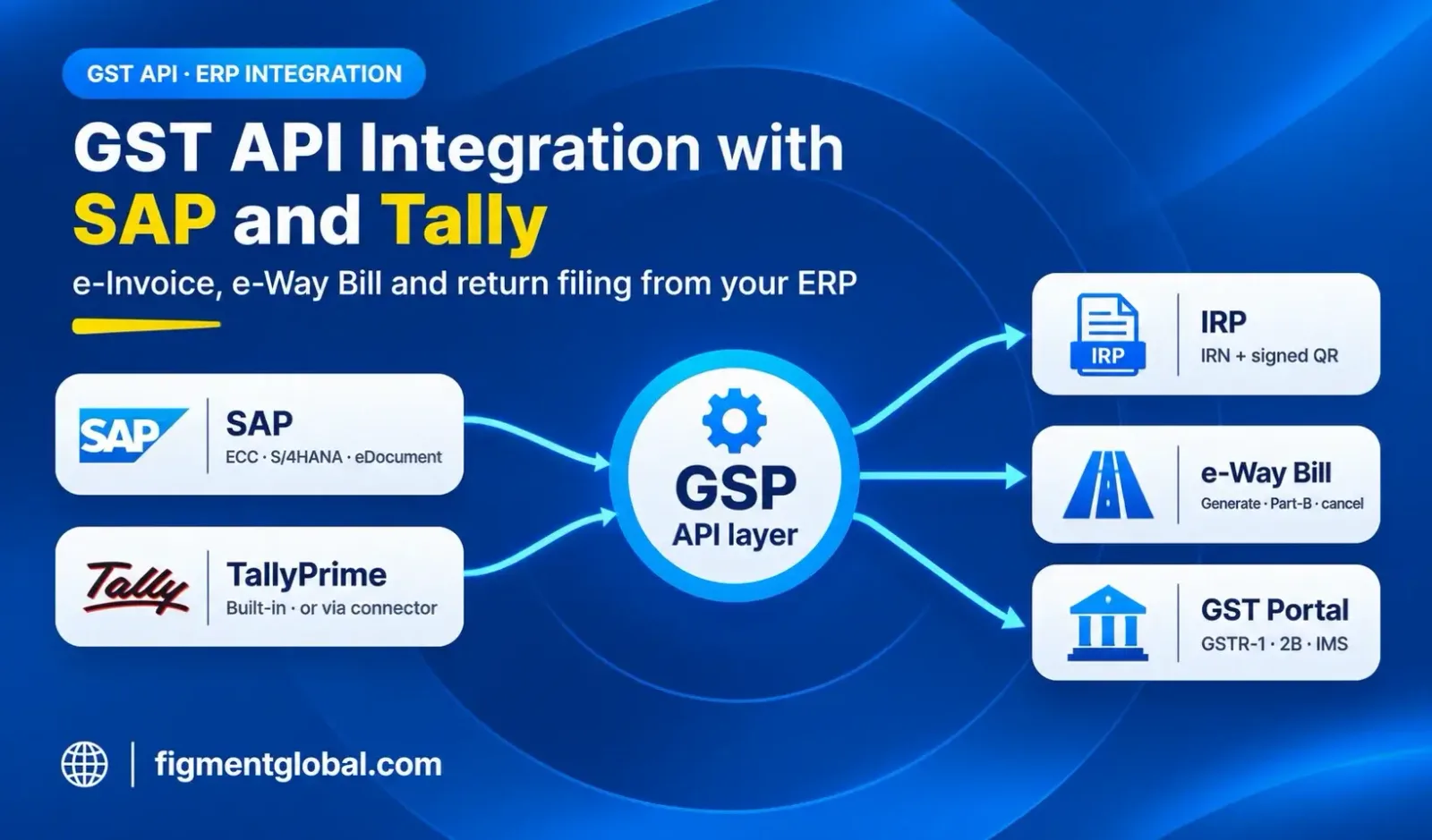
A GST API sandbox is a test environment where you can generate e-invoices, e-way bills and return data against test GSTINs, without creating anything on the live government systems. Every IRN generated in a sandbox is a test IRN. Nothing reaches GSTR-1, and nothing needs to be cancelled. That makes the sandbox the place to find mapping errors, tax calculation gaps and error-handling bugs before a real customer invoice is held up.
This guide sets out what a sandbox covers, how to get access, a test plan you can reuse, and the sign-off criteria before go-live.
Which sandboxes exist
There are two layers of sandbox in GST API work.
| Sandbox | Run by | What it is for |
|---|
| NIC e-invoice sandbox (einv-apisandbox.nic.in) | NIC | Testing e-invoice and e-way bill by IRN APIs directly against the IRP's test system. Registration is for eligible taxpayers and GSPs |
| GSP / API provider sandbox | Your GSP | Testing the provider's API layer (authentication, endpoints, retries, error formats) before switching to production keys |
Most businesses test through their GSP's sandbox. The GSP connects to the government test systems, so you test both your ERP's mapping and the provider's wrapper in one pass. Testing directly on the NIC sandbox is mainly relevant to large taxpayers building their own direct API integration.
Sandbox credentials cannot create live e-invoices. Once testing is signed off, production API credentials are created separately for each GSTIN.
Before you start: set up the test environment
A test copy of your ERP or application, not the live company code, so test invoices never mix with real ones Test GSTINs from your provider, covering at least two states (to test intra-state CGST/SGST and inter-state IGST) Sandbox credentials: client ID, client secret and API user credentials for each test GSTIN Sample masters: customers, items with HSN codes, tax rates and ship-to addresses that match the test GSTINs A Postman collection or API reference, so developers can call each API outside the ERP when debugging
The GST API sandbox test plan
Run each case and record the request, the response and the result. Testing only the "happy path" is the most common mistake. Most go-live problems come from cases that were never tested.
e-Invoice (IRN) tests
| # | Test case | Expected result |
|---|
| 1 | B2B intra-state invoice | IRN, acknowledgement number and signed QR returned |
| 2 | B2B inter-state invoice | IRN returned with IGST |
| 3 | Credit note and debit note | IRN returned for each document type |
| 4 | Export invoice (with and without payment of tax) | IRN returned with the correct supply type |
| 5 | Same invoice sent twice | Second call rejected with duplicate IRN (2150); ERP fetches and stores the existing IRN |
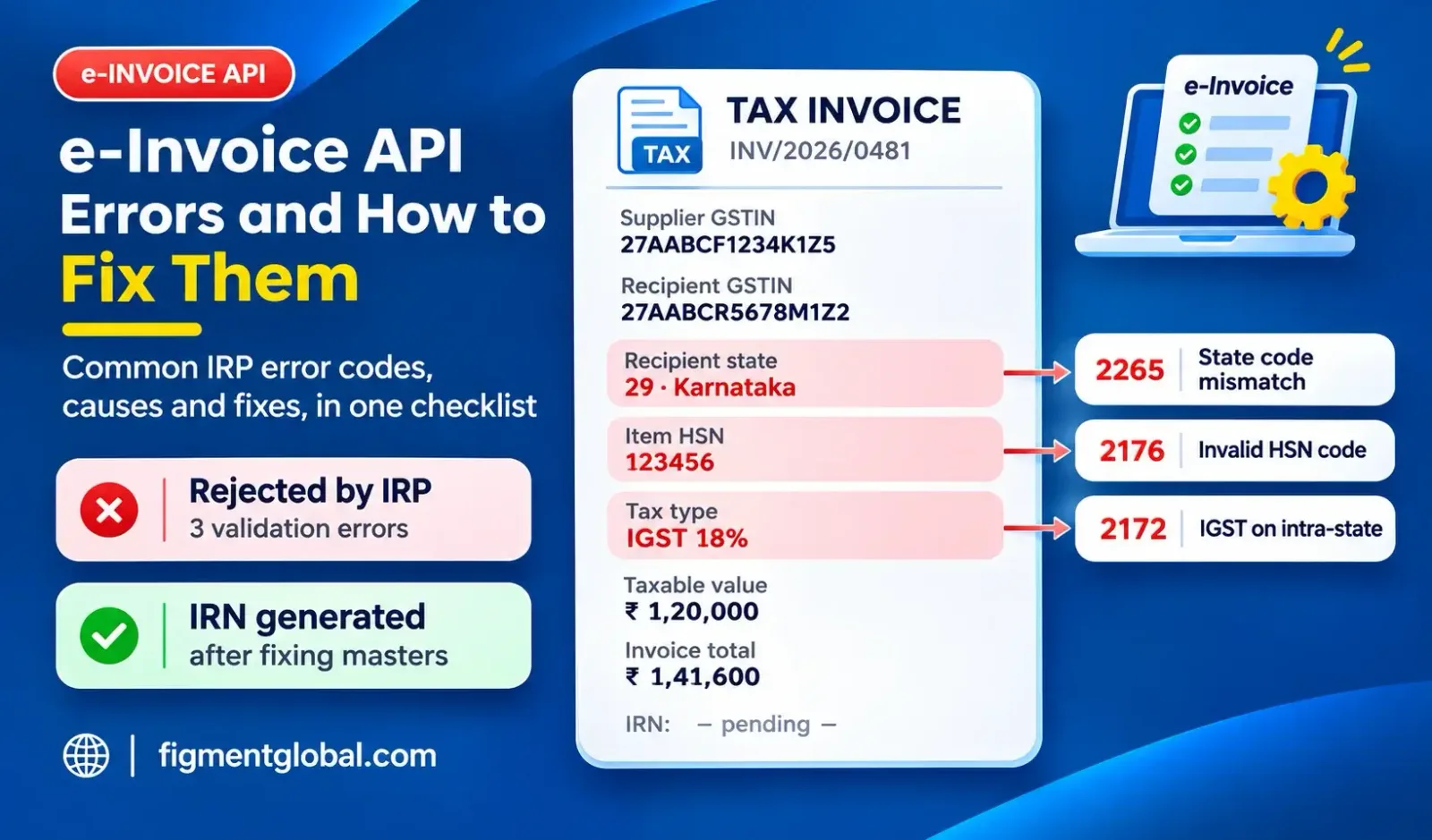
| 6 | Wrong HSN code | Rejected with invalid HSN (2176) |
| 7 | IGST charged on an intra-state supply | Rejected (2172) |
| 8 | Line totals not matching invoice total | Rejected (2182 or 2189) |
| 9 | Recipient GSTIN state code not matching the state code in recipient details | Rejected (2265) |
| 10 | Inactive or unknown recipient GSTIN | Rejected (3029 or 3028) |
| 11 | Cancel an IRN within 24 hours | Cancellation accepted |
| 12 | Get IRN details by document number | Details returned for an existing IRN |
If you buy from unregistered suppliers or import services, add test cases for the RCMDOM and RCMIMP supply types now. E-invoicing for RCM self-invoices starts on 1 January 2027 (see our guide on e-invoicing for RCM self-invoices).
e-Way bill tests
| # | Test case | Expected result |
|---|
| 13 | e-Way bill generated with the IRN | e-Way bill number returned |
| 14 | Standalone e-way bill (non-e-invoice document) | e-Way bill number returned |
| 15 | Update vehicle number (Part-B) | Update accepted |
| 16 | Extend validity | Extension accepted within the permitted window |
| 17 | Cancel an e-way bill | Cancellation accepted |
| 18 | Try to cancel an IRN with an active e-way bill | IRN cancellation rejected; ERP shows a clear message |
Return API tests
| # | Test case | Expected result |
|---|
| 19 | Save GSTR-1 data | Data saved; reference ID returned |
| 20 | Fetch GSTR-2B | Data returned for the test period |
| 21 | IMS actions (accept, reject, pending) | Action recorded |
| 22 | Expired API session | Clear re-authentication prompt, no silent failure |
Resilience tests
| # | Test case | Expected result |
|---|
| 23 | Network timeout during IRN generation | Retry does not create a duplicate; status is fetched, not re-posted |
| 24 | Expired authentication token | Token refreshed automatically |
| 25 | Bulk run at peak volume | All documents processed; failures listed with reasons |
Common sandbox mistakes
Testing only one state. Intra-state and inter-state tax logic both need testing. Hard-coding test values. Test GSTINs or sandbox URLs left in the code break production on day one. Ignoring the duplicate case. If your ERP re-posts after a timeout instead of fetching the existing IRN, you will see 2150 errors in production. No error messages for users. Billing staff need a plain message, such as "HSN code invalid for line 3", not a raw JSON error. Skipping cancellation tests. The 24-hour IRN cancellation window is short. The cancellation flow must work before go-live.
Sign-off criteria before go-live
| # | Criterion |
|---|
| 1 | All document types you issue have passed |
| 2 | All error cases return a clear message in the ERP |
| 3 | Duplicate and timeout cases do not create a second IRN |
| 4 | Cancellation tested for IRN and e-way bill |
| 5 | Test values removed from code and configuration |
| 6 | Production credentials registered for every live GSTIN |
| 7 | First live day planned away from month-end |
How Figment's sandbox works
Figment Global Solutions is a GSTN-authorised GSP. Its GSP API sandbox provides credentials against test GSTINs, with the API reference and a Postman collection. You can run the full cycle, including OTP consent, IRN, e-way bill and error handling, with no live registration.
The e-Invoice API sandbox includes sample payloads. It covers IRN generation, bulk IRN generation, IRN cancellation, e-invoice lookup, e-way bill by IRN and B2C dynamic QR. The e-Way Bill API sandbox covers generation, Part-B updates, validity extension, cancellation and consolidated e-way bills. Production keys follow sandbox sign-off, and most integrations go live in about two weeks.
To get sandbox access, request it on the GST API integration page. Figment's API team confirms your use case and emails sandbox credentials with test GSTINs, sample payloads, the Postman collection and documentation, and helps with mapping and testing on every working day. The full API list is on the APIs page.
Key takeaways
A GST API sandbox lets you test against test GSTINs with no effect on live returns. Test error cases, duplicates, timeouts and cancellations, not just successful invoices. Cover intra-state and inter-state supplies and every document type you issue. Add RCMDOM and RCMIMP tests now if RCM self-invoices apply to you from 1 January 2027. Sign off against a written checklist before production keys are issued.